Service Business Seasonal Demand Planning: Use Your Data to Predict Busy Months and Staff Accordingly
Service businesses lose revenue staffing for average demand. Use your CRM data to predict seasonal spikes, staff ahead, and capture every job.

Quick Answer
Seasonal demand planning for service businesses means using your historical CRM, scheduling, and job data to predict when your busiest months will hit, then staffing and preparing before the surge arrives. Most service businesses staff for average demand and lose 15-30% of potential revenue during peak seasons because they run out of capacity. The fix is a simple data review: pull 12-24 months of job volume by month, identify your top 3 peak periods, and build a staffing and inventory plan 60-90 days before each one hits.
Why Most Service Businesses Staff for Average Demand
Here is a pattern we see constantly at AnovaGrowth. An HVAC company runs 10-15 calls per day in March. Summer hits, and suddenly they are getting 30-40 calls per day. They scramble, hire temps, run techs ragged, and still leave 20% of calls unanswered. Then winter comes, and they are overstaffed.
The problem is not the seasonal swing. The problem is planning for the average instead of the peak.
Most service businesses operate on a single staffing model year-round. They hire enough people to handle a typical Tuesday in April, then wonder why they cannot keep up in July. The data to fix this is already sitting in your CRM, your scheduling software, and your accounting system. You just need to look at it the right way.
What this looks like in practice:
| Metric | Average Month | Peak Month | Gap |
|---|---|---|---|
| Jobs completed | 85 | 210 | 147% increase |
| Revenue | $62,000 | $158,000 | 155% increase |
| Staff on payroll | 8 | 8 | 0% increase |
| Missed/dispatched calls | 12 | 78 | 550% increase |
That last row is where the money walks out the door.
How to Pull Your Seasonal Data in 30 Minutes
You do not need a data analyst or a BI tool for this. You need three numbers from your existing systems.
Step 1: Export Monthly Job Volume
Go to your CRM or scheduling platform. Export the number of jobs completed per month for the last 24 months. If you only have 12 months, that is enough to start.
List each month and the job count. You are looking for patterns:
- Which 3 months have the highest volume?
- Which 3 months have the lowest?
- How big is the gap between your peak and your average?
Step 2: Calculate Your Capacity Gap
Take your peak month job count. Divide it by the number of working days in that month. That is your daily demand.
Now divide your current daily capacity (techs x jobs per tech per day) by that number. If the result is below 1.0, you are understaffed for peak season.
Example: 210 jobs in July / 22 working days = 9.5 jobs per day. If each tech handles 2.5 jobs per day, you need 4 techs just for July. If you have 3 techs, you are running at 75% capacity and leaving jobs on the table.
Step 3: Identify Your Lead Time
Some seasonal patterns have clear triggers:
- HVAC: Heat waves and cold snaps (weather data)
- Landscaping: First frost and spring thaw (calendar)
- Pest control: Spring rains and summer heat (weather + calendar)
- Plumbing: Frozen pipe season (weather)
- Electrical: Holiday lighting season (calendar)
- Pool services: Memorial Day to Labor Day (calendar)
Pull the dates of your last 3 peak seasons. Count the days between the trigger event and your first surge of calls. That is your lead time. You should be staffing 2-3 weeks before that trigger.
What to Do With This Data
Once you know your seasonal pattern, you have three concrete actions.
Build a Seasonal Staffing Plan
Create two staffing tiers:
- Base staff: Enough to handle your 3 lowest-volume months
- Peak staff: Enough to handle your peak month at 90% capacity
For the gap between base and peak, use a mix of:
- Seasonal hires (start 4-6 weeks before peak)
- Subcontractors (pre-vet and contract before the surge)
- Overtime budget (plan for it, do not react to it)
Real example: A Rome, GA HVAC company we worked with ran 3 techs year-round. Their July peak needed 6 techs. They hired 2 seasonal techs in May and contracted 1 more through a local trade school partnership. Their July revenue went from $94,000 to $168,000 in one season. The seasonal hires cost them $18,000 in wages. Net gain: $56,000.
Pre-Order Inventory and Parts
If your peak season requires specific parts or materials, order them 60-90 days ahead. Suppliers run out of stock during industry-wide peak seasons. The company that ordered refrigerant in March gets it in July. The company that waits until June gets backordered.
This applies to:
- HVAC: Refrigerant, compressors, capacitors
- Plumbing: Water heaters, pipe fittings
- Landscaping: Mulch, plants, hardscape materials
- Pest control: Treatment chemicals
Automate Your Pre-Season Outreach
Your existing customers are your most reliable source of peak-season revenue. Send automated reminders 30-45 days before your busy season:
- HVAC: "Schedule your spring tune-up before summer heat hits"
- Landscaping: "Book your spring cleanup slot now"
- Pest control: "Spring treatment slots filling up"
These automated campaigns can run through your CRM with zero manual work. At AnovaGrowth, we set these up as simple email sequences triggered by calendar dates. A 3-email sequence over 2 weeks typically books 20-30% of available peak-season capacity before the surge even starts.
The 4 Metrics You Should Track Monthly
| Metric | What It Tells You | Target |
|---|---|---|
| Capacity utilization rate | Are you staffed for current demand? | 75-85% average, 90-95% peak |
| Jobs missed per month | Revenue left on the table | 0 (trending down) |
| Lead time to staff | How fast you can scale up | Under 30 days |
| Pre-season bookings | How much peak work is locked in early | 25%+ of peak capacity |
Common Mistakes in Seasonal Planning
Mistake 1: Staffing for last year's peak. Last year's peak might be this year's average. Look at the 3-year trend, not just the most recent season.
Mistake 2: Only planning for the busy season. The slow season is when you should be doing maintenance, training, and system upgrades. Plan for both.
Mistake 3: Ignoring the shoulder months. The months right before and after your peak are often the most profitable. Demand is high but competition has not caught up yet. Staff for these months separately.
Mistake 4: Not automating the data pull. If you are manually exporting CRM data every month to check your seasonal plan, you will stop doing it after 2 months. Set up a simple automated report that emails you the numbers.
How AnovaGrowth Approaches This
We build seasonal demand planning into the CRM and automation systems we set up for service businesses. The data is already there. The question is whether you are looking at it.
Here is what a working setup looks like:
- Your CRM tracks every job with a date stamp
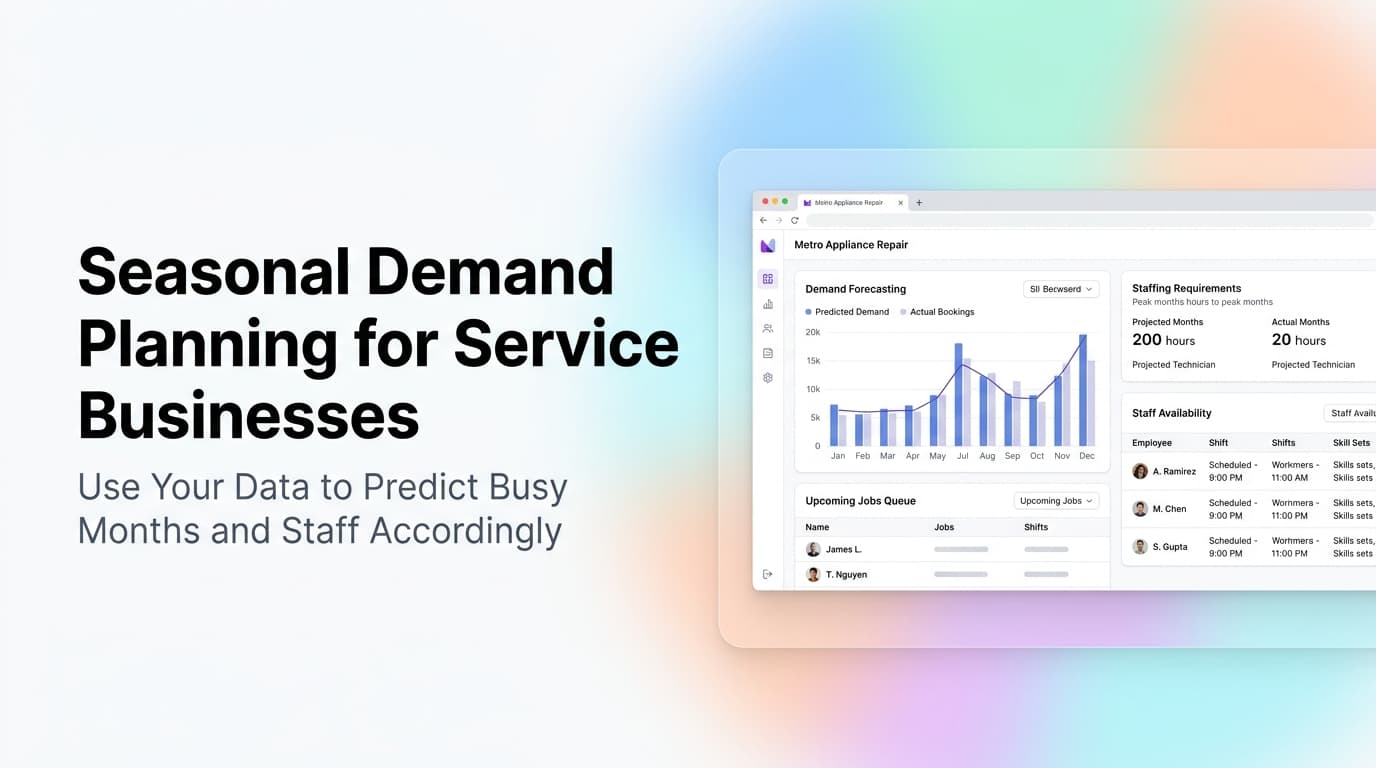
- A simple dashboard shows job volume by month with a 12-month rolling view
- Automated alerts fire when your capacity utilization hits 80% (time to hire) and 90% (time to subcontract)
- Pre-season email sequences trigger automatically based on calendar dates you set once
The setup takes about half a day. The data is already in your system. You just need someone to connect the dots.
Related Questions Business Owners Ask
- How do I forecast demand when I only have 6 months of data?
- What CRM features do I need for capacity planning?
- Should I hire full-time or seasonal staff for peak periods?
- How do I calculate the ROI of adding one more technician?
- What if my peak season is unpredictable (weather-dependent)?
- How do I train seasonal hires fast enough to be productive?
Key Takeaways
- Your CRM already has the data you need to predict seasonal demand. Export it and look at the pattern.
- Staff for your peak month at 90% capacity, not for your average month.
- Pre-order inventory 60-90 days before peak season to avoid supplier backorders.
- Automate pre-season outreach to lock in 20-30% of peak capacity before the surge.
- Track capacity utilization monthly and set alerts for 80% and 90% thresholds.
Ready to build a seasonal demand plan that actually works? Contact us to discuss how we can set up your CRM and automation systems to predict, staff, and capture every peak-season job. You can also read about how we build custom analytics dashboards for service businesses or our guide to service business KPIs beyond revenue.
Related articles

Automation ROI Calculator for Service Businesses: Run the Numbers Before You Build
Most service businesses guess at automation ROI and get it wrong. This calculator framework gives you the three numbers that actually matter and shows you how to run them.
Read the article: Automation ROI Calculator for Service Businesses: Run the Numbers Before You Build
Service Business Weekly Operations Meeting: The 30-Minute Cadence That Keeps a Small Service Company on Track
A 30-minute weekly ops meeting turns scattered owner reactions into one predictable cadence. Most service companies under 50 people can run it themselves.
Read the article: Service Business Weekly Operations Meeting: The 30-Minute Cadence That Keeps a Small Service Company on Track
Service Business Year-End Planning Playbook: Q4 Tax Prep, Operations Tune-Up, and the Setup That Wins Q1
Most service businesses lose Q4 to last-minute scramble and limp into Q1 with bad books. A 90-day Q4 plan fixes tax, cash, hiring, and ops in one sweep.
Read the article: Service Business Year-End Planning Playbook: Q4 Tax Prep, Operations Tune-Up, and the Setup That Wins Q1
