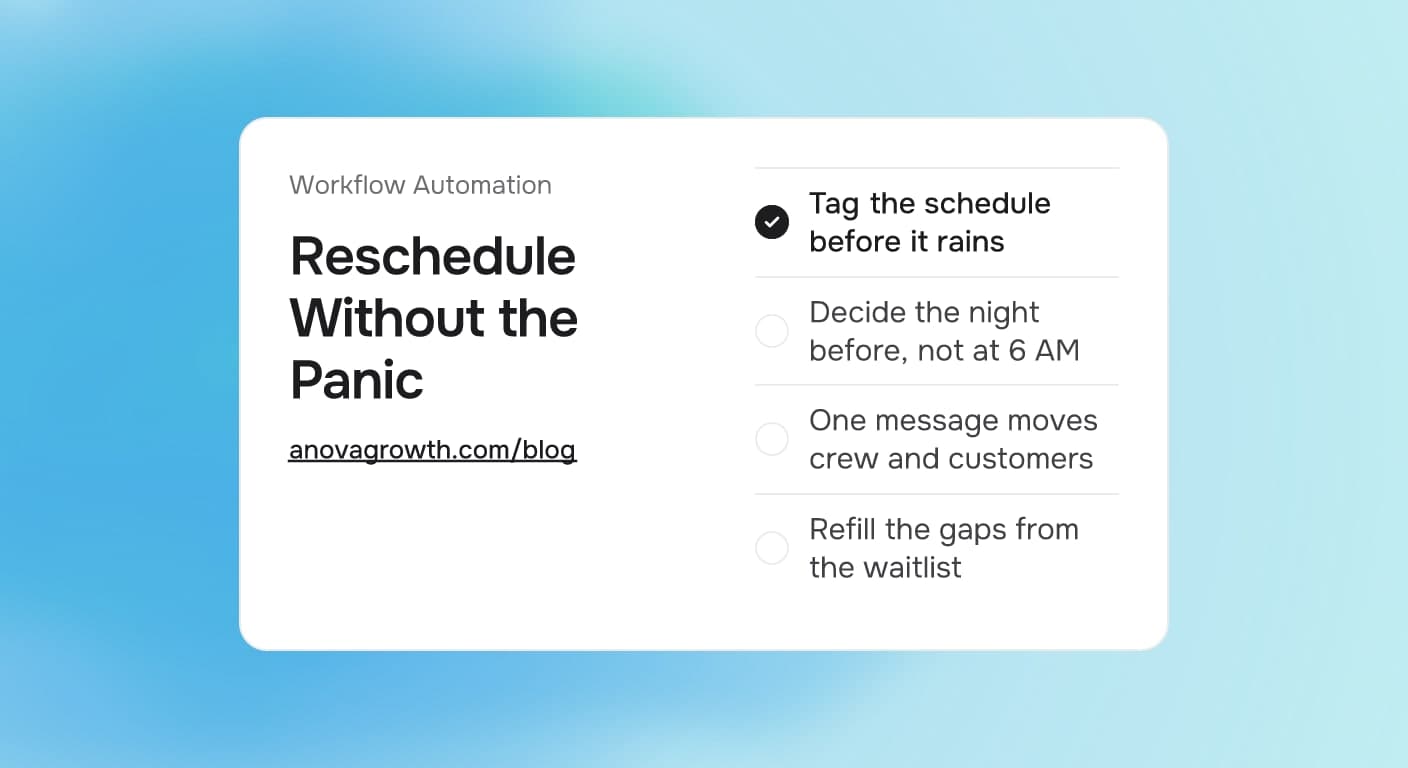
Rain Delay Scheduling for Exterior Contractors: Automate the Weather Day
When rain kills tomorrow's jobs, who calls everybody? The rain day workflow exterior contractors can automate, from trigger to reschedule to refill.

Quick answer
A rain day should cost you one schedule decision, not a week of revenue. Pick trigger rules per service line, check the forecast the evening before, and send one message that moves the crew, the customers, and the suppliers at once. The CRM records every change, the waitlist absorbs the open slots, and nobody learns about the storm from a missed driveway.
Why one storm costs a whole week
An exterior crew can end Friday with Monday packed and still lose Monday to a forecast. The typical rescue is the owner spending the evening phoning customers one by one, apologizing, guessing new dates, and leaving notes in a group chat the dispatcher never sees. Every step of that rescue leaks.
Customers get a short notice call from a stressed voice, which reads as disorganized rather than unlucky. Some calls never connect, so a truck still rolls to an empty driveway. Crews hear about the change at different times, or not at all. Suppliers and rental yards get told last, if ever, and they bill whether or not the truck shows. And the open slots, which are the only upside of a storm, stay empty because nobody had a free minute to refill them.
Nothing here is hard. A rain day is repetitive, urgent, and lands in the evening when your workday is over. That combination is exactly what automation is for.
The decision table: three ways to run a rain day
| Approach | What it looks like | What it usually gets |
|---|---|---|
| Call everyone by hand | One owner, ten phone calls, a paper notepad | Hours gone, missed connections, guessed dates |
| Decide in the morning | Crew arrives, sky opens, calls happen on site | Drive time wasted, customers surprised at the door |
| Automation with a trigger rule | Evening forecast check, saved messages, one send | Customers notified early, crew resets fast, slots refill |
The workflow, step by step
The build has six moves. Once it is wired, a weather day runs on rails instead of adrenaline.
- Set a trigger rule, not a mood. Decide in advance what forecast reading moves the schedule. An example rule: rain through most of the working day, or wind above a limit you set per job type. The rule gets checked once each evening instead of argued about all morning.
- Tag every appointment by weather exposure. Roofing, concrete, and painting react to moisture in different ways, and interior work may not react at all. A short tag on each job tells the system which appointments a trigger actually moves.
- Write the three messages before you need them. One for customers, one for the crew, one for suppliers. Written in daylight, reviewed once, sitting in the tool.
- Run the evening review, move the schedule once. The check flags which tagged jobs collide with the forecast. New dates come from real availability, and every moved job lands in one record, not in texts.
- Send the messages in order. Crew first, so nobody answers a customer question blind. Customers second, with the new date or the window in which a new date gets picked. Suppliers third, because a missed concrete truck costs real money.
- Refill what the storm freed. Each open slot triggers an offer to the waitlist and to same-week contacts, because open capacity is inventory and it decays fast.
What counts as a rain day
This is the decision owners skip, and it decides whether the system feels smart or feels annoying. A drizzle is not a rain day for a mowing crew, and it is a real one for a painter. Set the threshold per service line: moisture sensitive work such as roofing and concrete triggers on actual rain, spraying and staining trigger on moisture plus wind, mowing and general landscaping tolerate a shower and trigger on a soaker. One threshold per line of work, decided once, beats a gut call at 9 PM every time.
Who hears about it first
Order matters more than wording. Your own people first: crew leads and the office, so nobody is surprised by a customer who already got the text. Affected customers second, the evening before when the rule fires that early, because an evening message reads as organized and a 6 AM call reads as chaos. Vendors and suppliers third, whenever the booking carries a cost. The sequence is the same whether you send by hand or by automation. Automation just never flips the order because someone got tired.
What the message should say
A good rain day message has four parts: the job, the change, the new plan, and the out. Something like: "This is Jake with Blue Ridge Painting. With tomorrow's forecast, we are moving your exterior prep from Tuesday to Thursday morning, same window. If Thursday does not work, reply with a day that does and we will fit you in." Name, change, date, escape hatch. Never "we will call you back," because that one sentence turns a whole day of decisions into a pile of voicemails.
How to fill the slots a storm opens
The open slots are the hidden upside, and the waitlist is the fastest place to spend them. People already on it have said yes in principle, so a same-week offer converts far more often than a cold promo. Behind the scenes this is the same machinery as appointment reminders that cut no-shows and our waitlist to booking pipeline, pointed at sudden open capacity instead of routine confirmations. Maintenance contracts and annual checkups due in the next month are the second group to call on.
What happens when the rain lasts a week
A one day rain is a schedule edit. A five day rain is a different animal, and moving jobs one day at a time is how a company starts to look like it is guessing. When the window goes bad for days, stop the single day moves and batch the change: pick the first realistic clean day, pull every affected job forward in priority order, protect anything that has already moved once or been promised twice, and send one longer message that explains the reset. One honest reset beats four optimistic ones.
Does this cover snow, heat, and wind too
The trigger changes and the workflow does not. Wind days stop spraying and high lift work. Heat days pause concrete pours and attic jobs and pull morning starts earlier. Cold snaps move paint and stain. Each trigger is a copy of the rain day rule with its own threshold and its own message set, running on the same schedule tags and the same send order. Build the rain version first since it is the most common, then clone it.
Where owners get it wrong
- Deciding on the morning of. The trigger exists so the call happens the evening before. A sunrise scramble erases the whole advantage.
- Moving a job into another bad forecast. Check the new date against the outlook. One move reads as weather. Two moves read as chaos.
- Two calendars. If the crew lead runs a group chat schedule and the CRM holds another, the storm will find the gap. A moved job must exist in exactly one place.
- Never refilling. A rain day without a waitlist push is just a lost day wearing a weather excuse.
- Over-apologizing. State the change, give the fix, keep the tone of a plan. Customers copy your calm or your panic.
What we see when we build this
We wire schedule automation for service businesses around the Southeast, and rain day handling is one of the clearest wins because the manual alternative is so bad. The forecast check is the easy part. What actually changes the business is the message set and the single record of truth: when one send moves the crew, the customers, and the suppliers, and every reply updates the same schedule, the owner stops being the switchboard.
Here is a walkthrough of the mechanics, the way one fires in practice. The evening review runs at a set time and flags the next day's exposed jobs. It drafts moves from real availability on the calendar. The crew text goes out first, the customer texts follow with a new date or a choice window, replies land back in the CRM and update the record, and every freed slot triggers an offer to the waitlist. The owner reviews one batch, edits a date or two, and is done before the rain starts.
It is the same set of decisions people were already making by hand. The difference is speed, consistency, and the fact that it happens even on the night the owner is worn out.
Your next rain day checklist
You do not need new software to start. Do this on the next forecast, on paper if you want, and automate exactly what you wrote down:
- Write the trigger threshold for each service you run.
- Tag tomorrow's schedule by weather exposure.
- Draft the three messages: crew, customer, supplier.
- Pick the refill source: waitlist first, then maintenance-due customers.
- After the day ends, note every reply you handled by hand. Those replies are your automation targets.
Where this fits in the schedule system
Rain day handling is one branch of schedule automation, not a separate project. It rides on appointment scheduling automation for availability, dispatch and route optimization for how one move ripples across a day, and the same confirmation loop as appointment reminders. If you want the weather moves, confirmations, and refills wired into one system your team actually uses, that is what we build. Look at our AI automation services or contact us and we will set up your first rain day rule from your real schedule.
Related articles
Phone Calls Flagged as Spam: How Service Businesses Fix Caller ID Reputation
Carriers can show your number as Spam Likely before anyone answers. Learn what triggers flags, how to fix caller ID reputation, and what to watch weekly.
Read the article: Phone Calls Flagged as Spam: How Service Businesses Fix Caller ID Reputation
Hurricane Isaias Gulf Coast Business Recovery: Build Resilient Workflows
Hurricane Isaias exposed fragile Gulf Coast operations. Build recovery workflows that keep customers informed, requests routed, and bookings moving.
Read the article: Hurricane Isaias Gulf Coast Business Recovery: Build Resilient Workflows
Automated Service Business Tax Prep Workflow: Close Your Books Faster Every Quarter
Most service businesses spend two weeks doing tax prep manually. Here is how to automate the monthly close so quarter-end takes hours instead of days.
Read the article: Automated Service Business Tax Prep Workflow: Close Your Books Faster Every Quarter
