Business Email for Service Businesses: What to Set Up and What to Skip
Set up email on your own domain: mailboxes, SPF, DKIM and DMARC in plain words, and the steps to move a service business off a free Gmail address.

A free email address is a quiet habit that keeps a service business looking smaller than it is. The quote goes out from a personal account, the invoice follows from the same place, and every message carries a name that has nothing to do with the company. Customers do not always say it out loud, but they notice before they decide whether to hire you.
The fix costs little and takes an afternoon. Put your mail on your own domain, add the DNS records that tell receiving servers your messages are real, and route the old free address through it. Here is what to set up, what to skip, and how the pieces fit together.
Quick answer: Your email address sits on every quote, invoice, and follow-up you send. An address on your own domain looks professional, survives staff changes, and, with the right DNS records, keeps your messages out of spam more often than a free mailbox. Setup is an afternoon task: buy the mailbox, point the records, start sending.
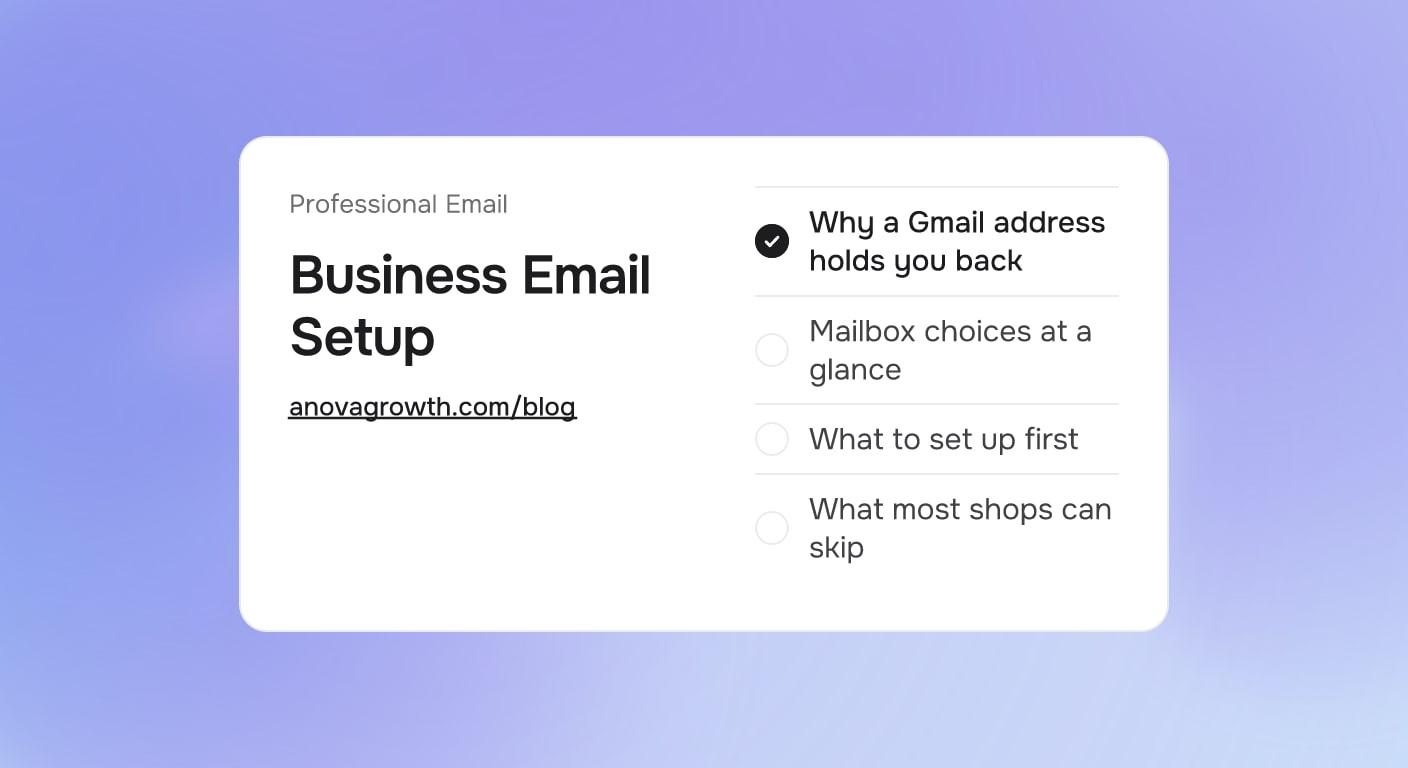
Why a Gmail address holds you back
The address travels with the brand. It goes on the truck magnet, the business card, the quote PDF, and the invoice reminder. A heating company that quotes from a personal free mailbox reads like a side hustle; the same company quoting from name@its-own-domain.com reads like it will actually show up. Trust is the point, and the address is the smallest possible trust signal you control.
Ownership matters more than looks. A personal mailbox belongs to a person, not a company. When quotes and job histories flow through one employee's personal account, they walk out the door with that employee, along with any password resets tied to it. Mail on the company domain belongs to the company, and you can grant access on a new hire's first day and remove it the day they leave.
Then there is spam filtering. Free mailboxes were built for people writing to other people, not for a business sending quotes, confirmations, and reminders all day. On your own domain you can publish SPF, DKIM, and DMARC records, which are the three DNS entries receiving servers look at when they decide whether your message is legitimate or junk. Free-mailbox-only shops never set those records, which is part of why their confirmations end up in junk folders. That whole problem is bigger than this post, and we go deep on it in why small business email lands in spam and how to fix it.
Mailbox choices at a glance
| Choice | What it is | Fits when | Trade-off |
|---|---|---|---|
| Mailboxes on your domain | Paid per-seat mailbox through Google Workspace or Microsoft 365 | Any shop sending quotes, invoices, or reminders | A small monthly cost per mailbox |
| Shared role inbox, like office@ | One mailbox several people can open | Dispatch, scheduling, and anything more than one person handles | Needs a named owner or mail ages unanswered |
| Forwarding alias to personal mail | New domain address forwards into an old personal inbox | A short transition period only | Fine while you migrate, not a place to live |
| Free mailbox stays primary | What you have now | Only if you barely email customers at all | No records, no branding, no company ownership |
What to set up first
- Claim the domain. Use the same domain as your website. If the website lives somewhere you do not control, that is its own problem to fix first.
- Open one mailbox per person, plus a role address. Google Workspace and Microsoft 365 both do this job well. Pick the one your calendar and documents already live in, because the mailbox tool is also the calendar and file-sharing tool.
- Publish the sender records. SPF says which servers may send mail for your domain, DKIM signs each message, and DMARC tells receivers what to do when checks fail. Your provider's setup screens give you the exact values to paste into DNS. The common failure is not difficulty, it is forgetting a record when a new tool starts sending.
- Point your tools at the new address. The website contact form, the CRM, the quoting and invoicing app, and the booking confirmations should all send from the domain. The contact form is usually the very first thing emailing customers on your behalf, and what belongs on that form is its own decision, which we covered in what to ask on a contact form.
- Keep the old free address as a forwarder. Forward it into the new mailbox so anyone who saved the old address still reaches you, and reply from the new one. Stop printing the old address anywhere new. After a quiet season, retire it.
What most shops can skip
- Extra mailboxes before you need them. Add a seat when a person joins, not before.
- Extra domains. One domain matching your website is enough. A second domain just for email splits your sender history across two reputations and buys nothing.
- Newsletter platforms on day one. If you are not sending a newsletter yet, do not buy a tool for it. Confirmations and reminders come from the CRM or the mailbox itself.
- Enterprise security add-ons and self-hosted mail. A hosted mailbox provider already handles spam filtering, backups, and deliverability basics better than a small shop can. Running your own mail server is a full-time job wearing a hobby's clothes.
- Worrying about junk form submissions. Moving to a domain does not clean up your forms. If form junk is the real pain, our guide to form spam and fake leads covers filters that actually work.
A typical setup for a one-truck shop
Picture a small HVAC company with a two-person office. They buy the domain that matches their website, open a mailbox for the owner plus an office@ address for anything customers reply to. SPF, DKIM, and DMARC go into the DNS panel the same afternoon. The website contact form and the quoting app switch to sending from the domain, and the old Gmail becomes a forwarder.
Nothing dramatic happens on day one. What changes is quieter: the Tuesday quote carries the company name instead of a personal one, the confirmations stop competing with junk filters, and the job history stays with the company when the office assistant gives notice. That last part is the one owners only learn to appreciate when it saves them once.
How we run our own email
AnovaGrowth sends everything through our own domain: one mailbox per person, an office address the team can open through delegated access, and the three sender records live in DNS. Our CRM sends quotes and follow-ups as the domain, and our website form delivers to a mailbox we own rather than anybody's side account.
Two habits from operating it. First, sender records need an owner: whenever we connect a new tool that sends mail, we add the matching record before the first message goes out, not after the first bounce. Second, we treat a new sender address the way you would treat a new phone number, and test it against our own inboxes at two different providers before a customer ever sees it. Neither habit takes long, and both exist because we learned them the ordinary way.
Common questions about business email
Is a free Gmail address really a problem?
Only past a certain stage. A free mailbox is fine for a side hustle emailing a few customers a week. Once you are sending quotes, invoices, and reminders as a company, the address should carry the company name. Ownership is the bigger issue anyway: mail tied to one person's personal account is mail you can lose without warning.
Do SPF, DKIM and DMARC take an expert to set up?
They are three DNS records on your domain, and the mailbox provider gives you the exact values during setup. A web developer or IT person has done this dozens of times, and many providers publish a checklist you can follow yourself. If a tool you already use sends mail on your behalf, that tool's documentation names the record it needs.
Can I keep my old Gmail address?
Yes, for a while. Forward it into the new mailbox so old contacts still reach you, and reply from the new address. Stop putting the old address on anything new you print or publish. After a quiet season with no problems, retire it for good.
Do I have to pay monthly for this?
Yes, mailboxes on your own domain are priced per seat per month through Google Workspace or Microsoft 365. Pick by what your office already uses: shared documents and calendars through a browser point toward Google, Outlook and Excel point toward Microsoft. The mailbox is not the place to economize, because every customer communication passes through it.
What about a shared address like info@ or office@?
Use one, and give it a rule. A shared mailbox makes sense for dispatch, scheduling, and any conversation more than one person might handle. Open it through delegated access rather than a shared password, and name the person who answers it each day. An unowned shared inbox is where leads go quiet, which is exactly the failure mode described in our guide to lead response time.
Business email setup is a small job with a long shelf life: one mailbox per person on your domain, sender records in DNS, tools pointed at the right from address, and the old free address retired as a forwarder. If you would rather not touch DNS yourself, our web development services include this exact setup, or contact us and we will walk your shop through it in one sitting.
Related articles
Website Monitoring for Service Businesses: Catch the Failures That Eat Leads
Uptime checks prove the server answered, not that a lead arrived. Four monitoring layers catch the silent form, email, and CRM failures that eat jobs.
Read the article: Website Monitoring for Service Businesses: Catch the Failures That Eat Leads
About Pages for Service Businesses: What Buyers Actually Check
Most About pages talk about the owner. Here is what buyers actually check on a service company's About page, and the sections that turn visits into calls.
Read the article: About Pages for Service Businesses: What Buyers Actually Check
Testimonials for Service Businesses: What Makes Them Believable
Which customer testimonials earn a place on a service business website, where each one goes, and the permission step most owners forget before publishing.
Read the article: Testimonials for Service Businesses: What Makes Them Believable
