AI Training for Staff: Getting Real Adoption in Your Service Business
Discover how to evaluate AI models and train your staff for real adoption, boosting productivity and staying ahead in your service business.

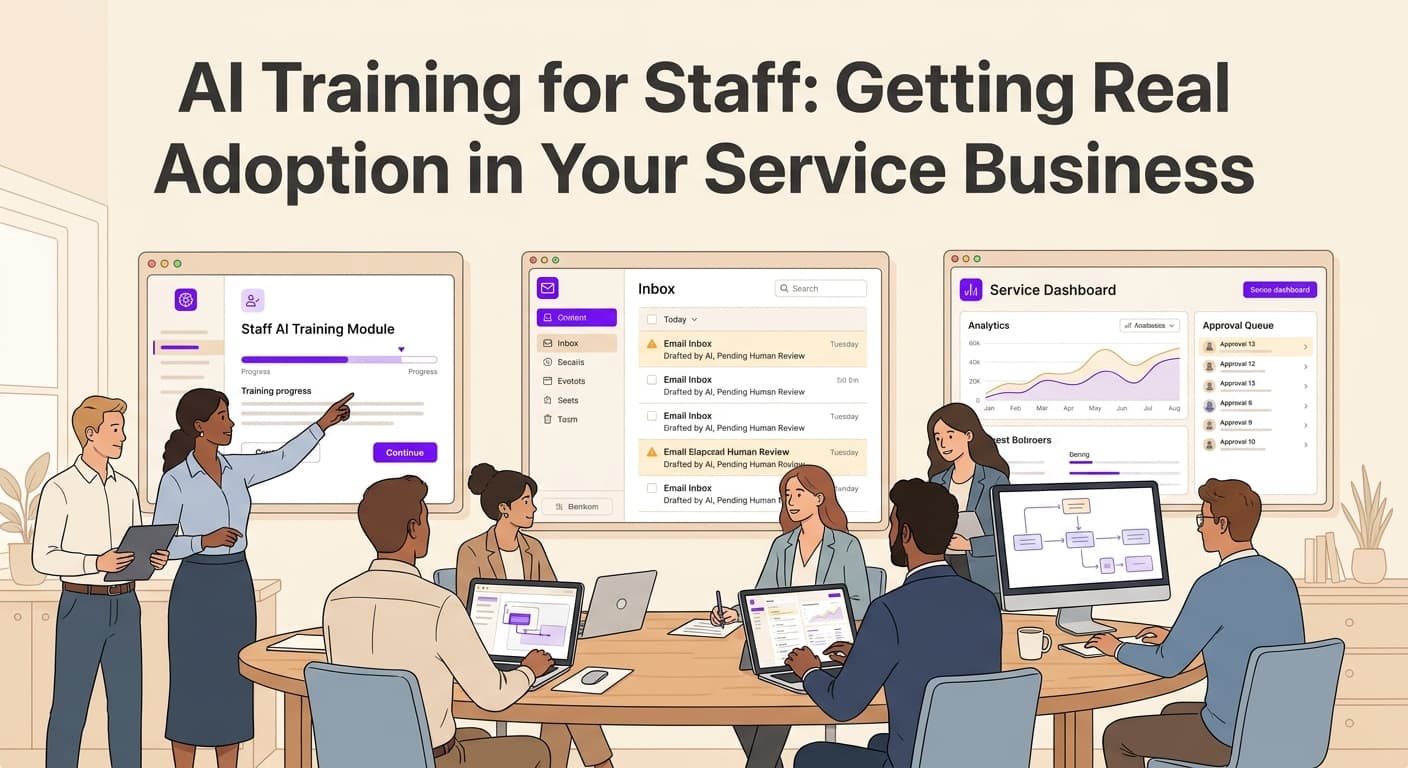
The Problem With AI Training Nobody Talks About
Most AI training programs fail before they start. Your staff sits through a 90-minute webinar, nods along, and then goes right back to doing things the old way. The tools sit unused. The investment evaporates. And you're left wondering what went wrong.
The issue isn't the technology. It's not even the training content. The problem is that most businesses treat AI adoption like software installation: you push a button and walk away. But your employees aren't servers. They're people with habits, fears, and legitimate concerns about what AI means for their jobs.
This guide covers what actually works: a practical training plan, how to measure real usage (not just logins), ways to keep staff engaged after the initial rollout, and how to handle the inevitable pushback. We'll show you how to get your team using AI tools consistently, not just occasionally.
Build a Training Plan That Your Staff Will Actually Follow
Generic video tutorials don't work. Neither does handing someone a 50-page guide and hoping they read it. Effective AI training for staff starts with understanding what your team actually does all day.
Map AI to Real Workflows First
Before you schedule a single training session, spend a week watching how your team works. Identify the 3-5 tasks that consume the most time but don't require much creativity. These are your AI pilot tasks.
For a service business, these often include:
- Drafting customer follow-up emails
- Creating job quotes or proposals
- Organizing and categorizing customer records
- Generating basic reports from data
- Responding to common questions
When you train people on AI, show them how it handles one specific task they do every Tuesday morning. Don't talk about "AI capabilities." Talk about "this tool writes your customer follow-up emails in 90 seconds instead of 30 minutes."
Keep Sessions Short and Focused
Break your training into 20-minute chunks over multiple days. Research shows that adult learners retain more when content is spaced out. Your receptionist doesn't need to master the entire platform in one sitting.
Each session should follow the same pattern:
- Show the specific task (2 minutes)
- Let them do it while you watch (10 minutes)
- Address problems immediately (5 minutes)
- Give them one thing to practice before the next session (3 minutes)
This approach works because it removes the intimidation factor. Instead of overwhelming people with everything AI can do, you're showing them one small win at a time.
For more on implementing AI systematically, see our guide on AI pilots and deployment strategies.
How to Get Your Team Excited About AI (Without Bribing Them)
Incentives matter. If you want real adoption, you need to connect AI usage to something your staff actually cares about, not just company metrics on a dashboard.
Tie AI Usage to Reduced Tedious Work
The strongest incentive isn't a bonus. It's offering your team more time on interesting work and less time on repetitive tasks. Track how much time AI saves per employee per week. Then give that time back.
If your technician saves 5 hours a week on admin tasks because AI handles scheduling confirmations and follow-ups, let them leave 30 minutes early on Fridays. Or let them spend that time on more challenging projects. People respond to tangible benefits, not abstract productivity goals.
Create Adoption Milestones
Set clear, achievable milestones with visible recognition. For example:
- Week 2: 80% of team completes AI-assisted task at least once
- Week 4: Team identifies two new tasks for AI assistance
- Week 8: Department reports measurable time savings
When teams hit milestones, acknowledge it publicly. Mention it in team meetings. Share the numbers. People want to be part of something that's working.
Reward Champions, Not Just Users
Identify your early adopters: the people who figured out AI tools quickly and started experimenting. Make them informal champions. Give them slightly more flexibility to explore new features. Ask them to help colleagues who are struggling.
This approach works because it creates positive peer pressure without forcing anyone. When resistance sees that enthusiastic users are rewarded and enjoying their work, the resistance softens over time.
Measuring AI Usage That Actually Matters
Vanity metrics kill AI initiatives. "Number of users who logged in this month" tells you nothing. You need to track whether AI is actually changing how work gets done.
Track Time Savings Directly
The clearest metric is hours saved per employee per week. Here's how to measure it honestly:
Ask your team to estimate how long tasks took before AI and how long they take now. Don't rely on guesswork. Give people a simple form where they log:
- Task name
- Time spent without AI
- Time spent with AI
- Number of times completed per week
After four weeks, you'll have real numbers. If you're seeing 15-20% time savings across your team, your AI adoption is working. If you're seeing 5%, something needs adjustment.
Set Usage Frequency Targets
Define what "adopted" actually means for your business. We recommend:
- Minimum: Each team member uses AI-assisted tools for at least 2 specific tasks
- Standard: AI handles routine work in those tasks at least 5 times per week
- Advanced: Team members independently find new ways to apply AI tools
These targets should feel ambitious but achievable. If your baseline is "nobody uses it," start with one task per person per week.
Watch for Plateau Patterns
Most teams hit a usage plateau around week 6-8. Adoption stalls. Enthusiasm fades. This is normal. Plan for it.
When you see plateau patterns, introduce new use cases. Show your team how AI can help with something different: maybe generating reports, drafting proposals, or organizing customer feedback. The plateau often happens because people have found their comfort zone and stopped exploring.
Handling Resistance Without Force
Some of your staff will push back. This is normal and often legitimate. Smart change management means listening first, then responding.
Understand the Real Concerns
Most resistance comes from three places:
Fear of job replacement. Address this directly. Explain that AI handles tasks, not entire jobs. Show them how their role will evolve. Be honest about what you don't know.
Intimidation by technology. Some people genuinely struggle with new tools. Offer patient, one-on-one support for slower adopters. Pair them with confident users.
Skepticism about value. If someone thinks AI is just a gimmick, show them the time savings. Let them see real numbers. Resistance based on evidence often disappears when the evidence arrives.
Don't Mandate, Demonstrate
Forcing AI usage creates resentment. Demonstrating value creates converts. When your most resistant team member sees their coworker finish work at 4pm because AI handles the tedious stuff, they start asking questions.
The goal isn't compliance. It's genuine adoption because people see the benefit.
Forcing the Issue Backfires
If you make AI usage mandatory without building genuine buy-in, you'll get surface-level compliance. People will click through tasks to meet requirements while doing real work the old way. This defeats the entire purpose.
Instead, create conditions where AI usage makes their workday better. That's what drives sustainable adoption.
For a deeper look at selecting the right AI tools for your business, see our AI vendor selection checklist.
Key Takeaways
-
Map AI to specific tasks your team does daily. Training works when people see immediate, relevant application. Generic training creates generic resistance.
-
Measure time savings, not just logins. If AI isn't saving measurable hours, something needs to change: either the tool, the training, or how you're asking people to use it.
-
Create champions, not just users. Early adopters drive organic adoption. Recognize them, give them room to experiment, and let peer enthusiasm do the persuasion work.
-
Plan for the plateau at week 6-8. When adoption stalls, introduce new use cases. Keep the momentum by showing AI can help with more than one or two tasks.
-
Listen to resistance before dismissing it. Legitimate concerns deserve honest answers. When people feel heard, they're more likely to engage.
Start Small, Measure Everything, and Build From There
AI training for staff doesn't have to be a massive project. Start with one team, one specific workflow, and one clear metric. Get that working before you expand.
The businesses that succeed with AI adoption aren't the ones with the biggest budgets or the most sophisticated tools. They're the ones that take time to train people properly, measure what matters, and adjust based on what they learn.
If you're ready to build an AI adoption plan that actually works, we can help.
Ready to get started? Contact us to discuss how we can help your business.
Related articles
AI Customer Health Scoring for Service Businesses: Catch At-Risk Customers Before They Leave
AI customer health scoring catches at-risk service business accounts before they leave. Here is how to set it up with your CRM.
Read the article: AI Customer Health Scoring for Service Businesses: Catch At-Risk Customers Before They Leave
AI Operations Dashboard for Service Businesses: See Your Whole Business in One Place
Most service businesses run five or more software tools that never talk to each other. AI operations dashboards connect the dots and surface what matters in real time.
Read the article: AI Operations Dashboard for Service Businesses: See Your Whole Business in One Place
AI Agent Use Cases for Small Business Operations: What Actually Works in 2026
Most small business owners hear AI agents described as a concept and never see a real example. Here are six use cases that actually run in operations today.
Read the article: AI Agent Use Cases for Small Business Operations: What Actually Works in 2026
