Project Galleries for Service Businesses: What to Show and What to Skip
How service businesses build project galleries that sell: real before and after pairs, captions, permissions, and image weight, plus what to leave out.

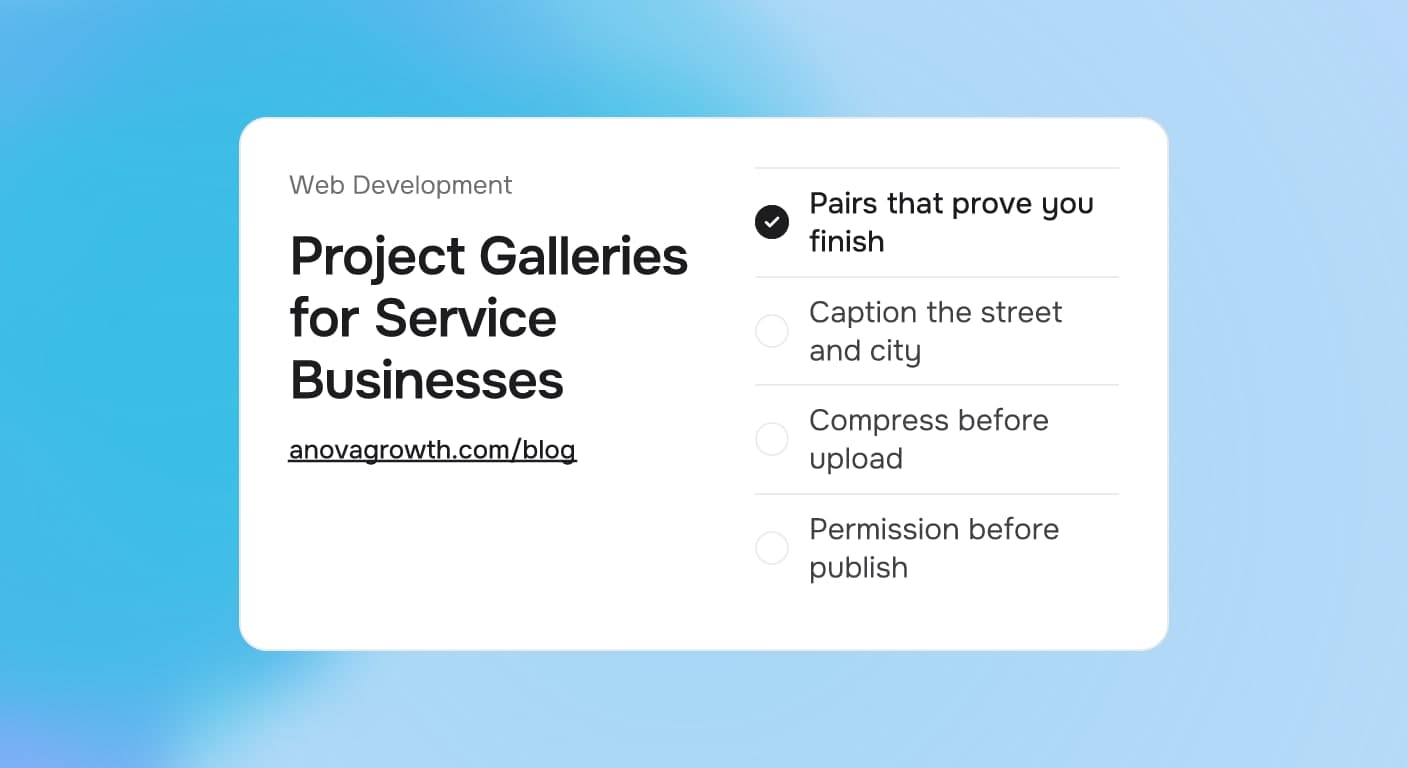
Most project galleries on service business websites grew by accident. A handful of camera roll favorites got dumped into a carousel with no captions, no order, and no thought about the buyer scrolling it at 9pm with a burst pipe. The rest of the industry skipped photos entirely and tried to sell trust with words like quality and integrity.
Both approaches leave jobs behind. Buyers judge a trade by its surface, literally: the paint line, the patch job, the lawn edge. A gallery is the fastest proof that you finish work like theirs, and it is the page people zoom into once the writing all starts to sound the same.
Quick answer
A service business gallery sells best as 8 to 15 real before-and-after pairs from jobs you actually finished, each with a one-line caption naming the service, the neighborhood, and what changed. Skip stock photos and thumbnail walls, compress every image for mobile, and get the client's OK first. If your work is not visual, publish case studies instead.
What a gallery page is actually for
A gallery page has two jobs and only two. It proves you finish work, and it helps the buyer picture the finished version of their own problem. Words can claim both; photos verify them.
Everything else a gallery might do, entertaining people, filling space, showing off a camera, is decoration. That clarity sets the test for every image on the page. Does it prove completion, and does it help a buyer see their own project done? An image that fails both questions does not ship.
What belongs on the page
Use this as the checklist when you build or audit a gallery:
| Element | Verdict | Why it earns its place |
|---|---|---|
| Before-and-after pair | Keep | Change and completion in two frames beats any adjective |
| One-line caption | Keep | Service, place, and scope in about ten words, plus text search engines can read |
| 8 to 15 strong images | Keep | One tight set outsells a wall nobody finishes scrolling |
| Filter by service | Keep for multi-trade | A remodel buyer should not scroll through roofing shots |
| City or neighborhood in captions | Keep | Reads as local proof and matches how buyers search |
| Short intro paragraph | Keep | Two sentences naming your trade and service area |
| Crew or truck photo | Occasional | Human proof, but not the star; one or two per page at most |
| Camera-roll originals | Skip | Phone files run 3 to 6 MB and crawl on a data connection |
| Stock photos | Skip | Buyers spot staged handshakes and generic interiors, and trust evaporates |
| House numbers or addresses | Skip | Nothing in a photo should identify the client's home |
| Another company's watermark | Skip | It reads as borrowed work and invites ugly questions |
| Autoplaying video | Skip | Mobile data pain; use click-to-play or a link instead |
Pair the photos like a buyer reads them
The before-and-after pair is the core unit of a trade gallery, and three rules separate pairs that sell from pairs that confuse.
Same angle, both frames. The change in the frame should be your work, not the camera position. Ten feet of sidewalk between the two shots makes the comparison worthless. Move the car, not the camera.
An honest before. A worn room sells the transformation better than a staged disaster. Buyers recognize the difference between a lived-in kitchen that needed updating and a dumpster scene built to inflate the result, and they discount the latter.
A caption with the formula. Service, place, scope: "Exterior repaint in Rome, GA: peeling latex over bare cedar, primed, two finish coats." Ten words that answer the three questions every buyer carries: what did you do, where, and how much of it.
Collecting usable photos starts in the field, not at the website build. If crews already shoot job photos for records or insurance, that same habit feeds marketing, which is exactly the pipeline described in our guide to AI photo documentation for service businesses.
If your work is not visual
Some services simply do not photograph well. Bookkeeping, IT support, insurance, consulting: nobody hires the cleanest ledger because it looked shiny on a webpage. If that is your business, do not fake a gallery with stock images. Publish case studies, process walkthroughs, and a strong FAQ page instead, and let words carry the proof. The questions buyers actually ask are already collected in our guide to FAQ pages for service businesses.
Maintenance-style work such as HVAC tune-ups or pest control routes sits in between. Two or three clean equipment installs are enough. After that, move the buyer on to reviews and answers rather than more photos.
The file details buyers feel but never see
Gallery performance is invisible until it fails. Google's mobile page speed research famously found that 53% of mobile visits abandon a page that takes longer than three seconds to load, and a gallery is exactly the page that balloons.
- Shoot horizontal in daylight and wipe the lens before the first frame. Morning light on an exterior job beats a phone flash at dusk every time.
- Compress before upload. Resize the long edge to about 1600 pixels and export each image under roughly 300 KB. Modern image formats and lazy loading below the fold carry the rest: the page renders what the buyer sees first and fetches the rest as they scroll.
- Set width and height on every image so the page does not jump while it loads. Layout shift mid-scroll reads as broken and costs you the scroll you worked for.
- Name files for humans. exterior-repaint-rome-ga.jpg helps image search and screen readers. IMG_4392.jpg helps nobody. Alt text that states the job is ten seconds of work with two payoffs, accessibility and search.
Once the gallery is fast, website conversion tracking tells you whether any of it produces leads. A pretty page without measurement is just decoration that loads quickly.
Permission before publish
Every photo of a client's property is borrowed. Ask while the job is happening, when a yes costs nothing: "Mind if we photograph this for our site?" Then keep the yes in writing or as a saved text. Anything published without it is a liability you chose to carry.
Some clients you do not photograph at all. Homes where privacy or security genuinely matters, insurance claim work, and any property with identifiable people who did not agree stay off the site, no matter how good the light was. If a great photo has a house number in frame, crop it or blur it. The photo still sells; the number does not need to be public.
How we build galleries at AnovaGrowth
We build trade websites regularly, and the same gallery patterns repeat on almost every build. Owners send camera-roll dumps, so we cap published galleries at 15 images and choose pairs first. Launch-day perfection matters less than a refresh habit: the galleries that earn clicks get a few new jobs added every quarter.
Placement does quiet work too. The gallery sits one click from the homepage and from every service page, and the homepage content is written to hand buyers straight to it, the structure covered in our guide to homepage content for service businesses. The same real job photos then get a second life as Google Business Profile posts, so one good asset works in two places instead of one.
We run our own version of the rule as well. AnovaGrowth sells websites and automation, which photographs about as well as a clean ledger. Our proof pages read like case studies, not a fake gallery of stock offices. The rule cuts both ways: show real work, and if the work does not photograph, show real outcomes instead.
Five questions owners ask about galleries
How many photos should a gallery page have?
Eight to fifteen strong images per service line. Fewer if the work is repetitive, like maintenance routes. The bar is simple: if you would not hang it in your own lobby, it does not go on the page.
Are phone photos good enough?
Yes, with daylight and a wiped lens. Horizontal frames, compressed exports, and no heavy filters. Consistent angle and light matter more than the camera brand.
Should captions really name the city?
Yes. A caption that names the neighborhood reads as local proof to the buyer and matches how people search for a trade near them. It costs about ten words.
Can I reuse my Google Business Profile photos?
Yes, the same real jobs work in both places. Keep a compressed copy for the website and let the profile carry the originals. Gallery and profile answer the same buyer question from two doors.
Do I need the client's permission to post their home?
Always. Ask during the job and save the yes in writing or as a text. Crop or blur anything that identifies the property when the answer is hesitant or absent.
Key takeaways
- Eight to fifteen real before-and-after pairs sell better than two hundred unlabeled camera shots.
- Captions carry the pitch: service, place, and scope in one line.
- Skip stock photos, addresses, foreign watermarks, and autoplaying video.
- Compress and lazy-load every image; slow galleries lose the buyer before the first frame.
- Permission is part of the job: ask while you are there, and keep the yes.
Conclusion
A gallery is the quiet page on your site that answers "do they do work like mine?" without a single word from you. Build it small, caption it honestly, keep it fast, and refresh it every quarter.
Ready for a gallery that earns its keep? Contact us and we will review your project pages alongside the rest of your site. AnovaGrowth builds service business websites and the automation behind them: fast galleries, lead routing that never drops a submission, and reply workflows that turn a scroll into a booked job.
Related articles
Homepage Content for Service Businesses: What Belongs and What to Skip
What belongs on a service business homepage, where each element goes, what to skip, and how to make the first screen turn visitors into phone calls.
Read the article: Homepage Content for Service Businesses: What Belongs and What to Skip
Website Speed for Service Businesses: Why Slow Sites Lose Customers and How to Fix It
A slow website costs service businesses real customers. Here is how to measure your speed, fix the biggest drags, and keep leads from bouncing.
Read the article: Website Speed for Service Businesses: Why Slow Sites Lose Customers and How to Fix It
Contact Forms for Service Businesses: What to Ask and What to Skip
Which contact form fields a service business needs, which to skip, and where submissions should land so a form fill turns into a booked job.
Read the article: Contact Forms for Service Businesses: What to Ask and What to Skip
