The One-Person Office: How Solo Service Owners Run Like a Team of Five Without Hiring
Solo service owners drown in scheduling, quoting, and follow-up. Here is the automation stack that handles the admin load so one person can run like a five-person team.

Most solo service owners do not have a marketing problem or a skills problem. They have an admin-hours problem. The work is fine when you are on a job. The work collapses in the gaps between jobs: the quote you meant to send, the appointment that slipped, the invoice that went out nine days late. Five employees' worth of routine work is sitting on one person's plate, and hiring is the slowest, most expensive way to fix it. A small automation stack takes over the repeatable layer instead, and it does not call in sick.
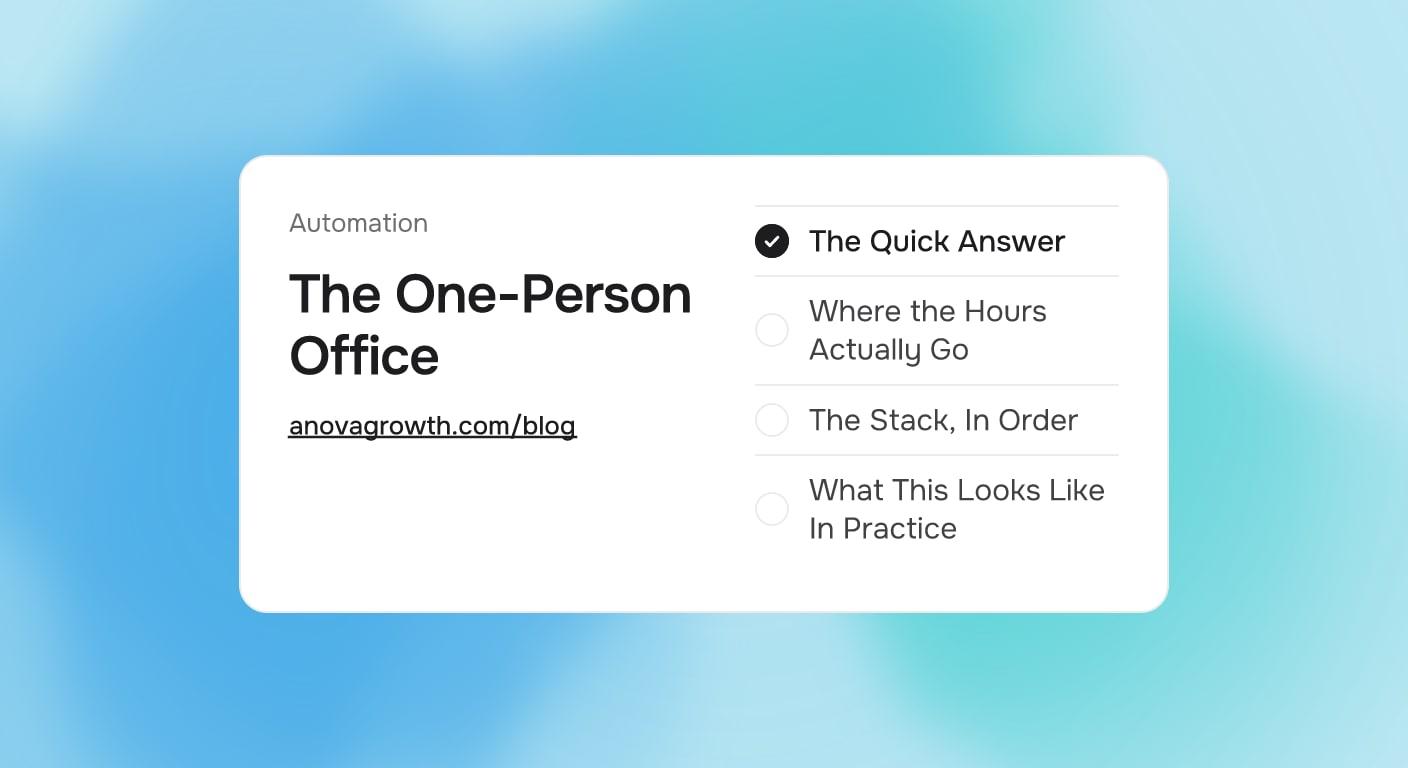
The Quick Answer
A solo owner loses roughly 15 to 20 hours a week to work that follows a pattern: scheduling, quote prep, follow-up, invoicing, and review requests. Those five jobs are the ones to automate first. A booking system, a quote template with automated follow-up, and payment and review workflows tied to job completion remove most of that load for a modest monthly software cost. The result is roughly one extra full workday per week, which for a solo operator usually means three to five more billable jobs a month. Start with booking and quote follow-up, because those two carry the most lost revenue.
Where the Hours Actually Go
Before picking tools, it helps to see the five repeatable jobs most solo owners do by hand. Most weeks look something like this:
| Routine job | Typical weekly load | What automation does |
|---|---|---|
| Scheduling and rescheduling | 3-5 hours | Booking link + automatic confirmations and reminders |
| Preparing and sending quotes | 3-4 hours | Quote templates, e-signature, instant send from the field |
| Following up on unsold quotes | 2-3 hours | Timed follow-up sequence until a yes or a no |
| Invoicing and chasing payment | 2-3 hours | Invoice on job completion, automatic payment reminders |
| Asking for reviews and repeat work | 1-2 hours | Review and repeat-offer messages triggered by the closed job |
Add it up and that is a part-time office manager hiding inside your week. None of it requires judgment. All of it requires memory and consistency, which is exactly what software is better at than a tired person at 9 PM.
AnovaGrowth runs lean on purpose, and this is the same logic we apply to our own operation. When a task has a fixed pattern and happens more than twice a week, it gets a workflow before it gets a person. The discipline is not the tools, it is the rule.
The Stack, In Order
Do not build all five at once. Each layer depends on the previous one being solid.
- Booking and scheduling. A booking page or appointment tool with automatic confirmation and reminder texts. This alone kills most phone tag and no-shows. Everything else hangs off the calendar, so this goes first.
- Quote send and follow-up. Templates plus e-signature so a quote goes out from the driveway, not three days later from the couch. Then a timed follow-up sequence, because most quotes die from silence, not rejection.
- Job-completion triggers. When a job is marked done, three things should fire without you: the invoice, the review request, and a short check-back message. This is the highest-leverage hour of setup in the whole stack.
- Payment and cash-flow hygiene. Deposits collected at booking, reminders for unpaid invoices on a schedule. Cash stops depending on your memory.
- Reviews and repeat offers. The last layer, and the reason the first four matter: every completed job should produce public proof and a seed for the next one.
A note on "leverage-free" framing: none of this is clever AI. It is plumbing. The businesses that win with this stack are the ones that keep it boring and turn it on every day.
What This Looks Like In Practice
A one-worker pressure washing operation we know well from the field ran everything through phone calls and a paper calendar. The rebuild took about three weeks of part-time effort: booking link on the website, quote template with e-sign, a three-touch quote follow-up, and invoices plus review requests firing on job completion.
The change was not a flood of new leads. It was the same leads, handled completely. Quotes went out same-day instead of whenever there was downtime. Roughly a third of unsold quotes closed on the second follow-up, jobs invoiced the day they finished, and reviews started arriving weekly instead of occasionally. The owner did not work less, at first. They just stopped dropping things, and revenue followed the dropped things.
That is the honest expectation: automation does not add demand, it stops the leaks in demand you already have. That is also why it is cheaper than any marketing spend with the same payoff.
The Five Fan-Out Questions
If you are evaluating this for your own operation, these are the questions that come up every time:
- What software do I actually need, and what will it cost? A booking tool, an e-sign/quote tool, and payments. Three subscriptions, typically under $150 a month combined. Anything beyond that is optional until the first three are running.
- Will customers think automated messages are cold or impersonal? They notice speed, not authorship. A reminder that arrives on time feels like competence. Keep the wording plain and human and nobody minds.
- What should stay manual no matter what? Pricing judgment, difficult conversations, anything where tone decides the outcome. Automate the pattern, keep the judgment.
- How long until this pays for itself? Usually under two months. One recovered no-show week plus one quote closed by follow-up typically covers a quarter of the software cost.
- Do I need AI for any of this, or just automation? Start with plain automation. AI earns its place later, in quote drafting and message triage, but a calendar reminder does not need a language model.
The First Week Plan
Day one, write down every task you did this week that followed a pattern. Day two, pick the booking fix, because it unblocks the rest. Week's end: one workflow live, one more scheduled. Perfection is not the goal, completeness is. The businesses that fail at this are not the ones that pick the wrong tool, they are the ones that never finish the second workflow.
If you would rather have someone map and build this for your operation, contact AnovaGrowth and we will walk your week with you.
Related Reading
Related articles
After-Hours Calls for Service Businesses: Capture the Work You Sleep Through
Emergency callers who reach voicemail call the next company. Here is how to capture after-hours demand without hiring a night receptionist.
Read the article: After-Hours Calls for Service Businesses: Capture the Work You Sleep Through
Quote-to-Close Automation for Service Businesses: Close More Jobs Without the Follow-Up Marathon
Service businesses lose jobs in the gap between sending a quote and getting a yes. Automate your quote-to-close pipeline and stop leaving revenue on the table.
Read the article: Quote-to-Close Automation for Service Businesses: Close More Jobs Without the Follow-Up Marathon
Zapier vs Make vs N8N vs Custom Code: How to Choose the Right Workflow Automation Platform for Your Service Business in 2026
Service businesses waste $20K to $180K picking the wrong automation stack. Choose between no-code, low-code, and custom code with this 4-tier framework.
Read the article: Zapier vs Make vs N8N vs Custom Code: How to Choose the Right Workflow Automation Platform for Your Service Business in 2026
