Why Your AI Chatbot Needs Human Handoff (And How to Do It Right)
AI chatbots handle routine questions well, but fail on complex issues. Build smart human handoff to protect customer experience and close more deals.

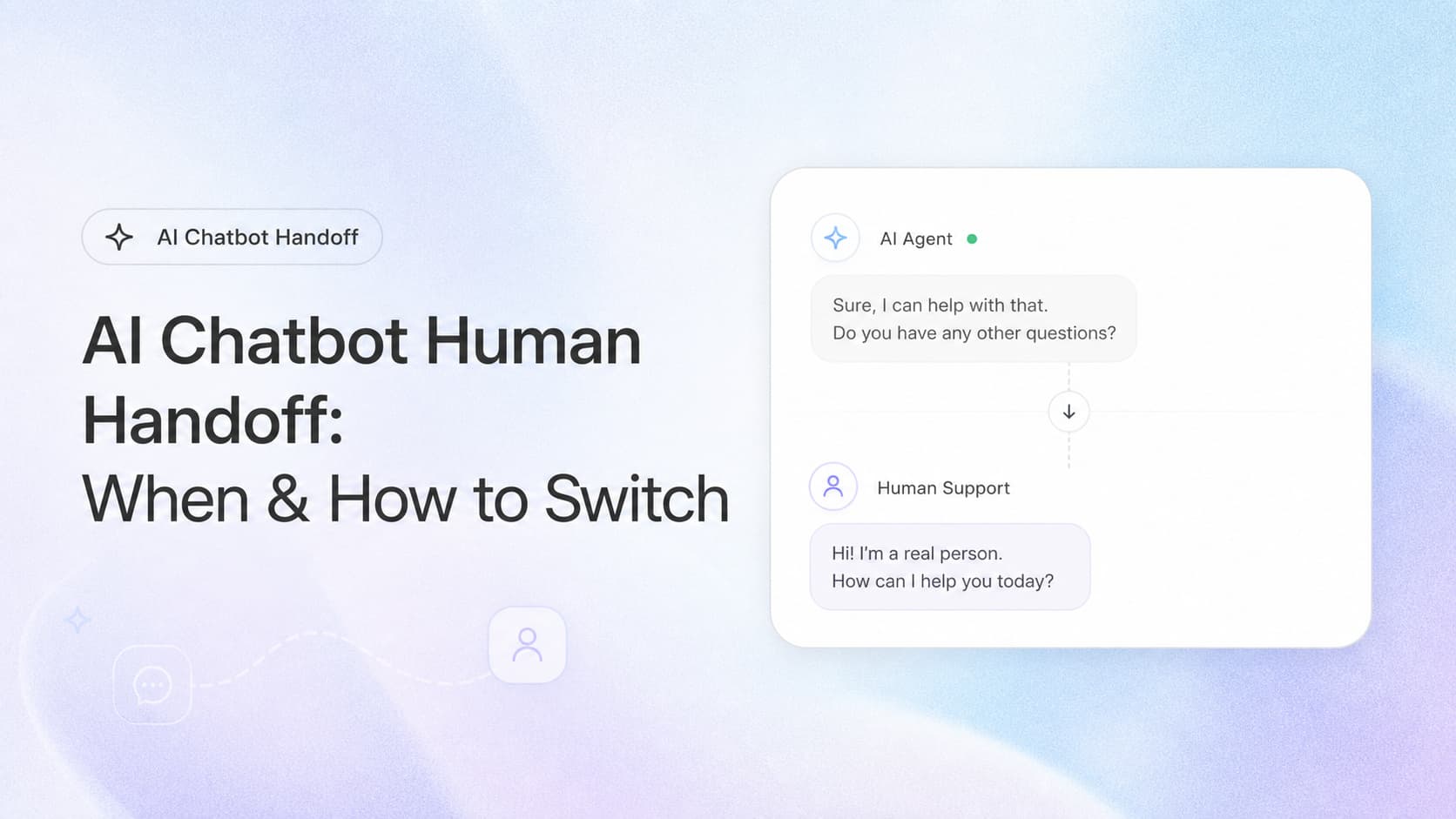
AI chatbots are great at answering FAQs, checking order status, and routing basic requests. They're terrible at handling frustrated customers, complex sales conversations, and edge cases your team has never seen.
The difference between a chatbot that helps and one that hurts? Knowing when to get out of the way.
The Handoff Problem
Most chatbots fall into one of two traps:
- Trap #1: Clingy chatbot: Refuses to escalate, loops through the same FAQ responses while the customer gets angrier
- Trap #2: Human dumping ground: Escalates everything, defeating the purpose of automation
The middle ground, smart, strategic handoff, is where ROI lives.
When AI Should Hand Off to Humans
Not every complex query needs a human. But these situations absolutely do:
- Emotional escalation: The customer is frustrated, angry, or upset. AI responses feel dismissive in these moments
- Complex sales questions: Pricing negotiations, custom solutions, enterprise deals, these need human judgment
- Novel problems: Issues outside your training data. If the chatbot doesn't have relevant context, it shouldn't improvise
- High-value accounts: Your enterprise customers expect white-glove service. Don't make them fight a bot
- Compliance or legal matters: Anything involving refunds, disputes, or sensitive data needs human oversight
How to Detect These Situations
Smart handoff starts with detection. Your chatbot should recognize:
Sentiment signals:
- Keywords like "manager," "complaint," "unacceptable," "lawsuit"
- Multiple negative messages in a row
- Repeated questions (the bot isn't helping)
Intent signals:
- "Can I talk to a person?"
- "This isn't what I asked for"
- Questions about custom pricing or enterprise features
Context signals:
- High-value customer segment (integrate with your CRM)
- Previous handoff in this conversation
- Session length over X minutes without resolution
Making the Handoff Smooth
The handoff moment is where most implementations fail. The customer explains their problem again. The agent asks the same questions. Frustration compounds.
Do this instead:
- Pass the full transcript: The agent should see everything the customer said to the bot
- Summarize the issue: Auto-generate a 2-3 sentence summary of what the customer needs
- Preserve context: If the customer logged in, the agent should see their account info, order history, and previous support tickets
- Set expectations: Tell the customer they're being transferred and approximately how long the wait is
Routing After Handoff
Not all escalations should go to the same queue. Route based on:
- Issue type: Sales, support, billing, technical
- Account tier: Enterprise accounts go to senior agents
- Language: Match native speakers when possible
- Agent specialization: Route technical issues to technical staff
This is where chatbot + CRM integration pays off. The handoff isn't just "to a human", it's to the right human.
Avoiding the "Bot Was Useless" Perception
Even with good handoff, customers can feel like the chatbot wasted their time. Mitigate this:
- Set expectations early: "I can help with X, Y, and Z. For other questions, I'll connect you with our team."
- Be transparent: "I'm an AI assistant. Let me try to help, and I'll connect you with a person if needed."
- Provide value first: Even if you hand off, try to gather information, verify account details, or answer basic questions. The agent's job should be easier, not the same.
Key Takeaways
- Handoff isn't failure, it's a designed part of the experience. Plan for it.
- Detect escalation triggers early: Sentiment, intent, and context signals tell you when a human is needed
- Pass full context to the human agent, transcript, summary, account data
- Route intelligently based on issue type and customer value, not just first-available agent
Build It Right
A chatbot without handoff is a liability. A chatbot with smart handoff is a 24/7 first-response team that knows exactly when to bring in the experts.
Building a chatbot for your business? Contact us or learn about our AI Chatbot services.
Related articles

AI Customer Experience for Service Businesses: How to Deliver Five-Star Service Without Hiring More Staff
AI customer experience tools help service businesses respond faster, keep customers informed, catch at-risk relationships early, and automate review collection. See what works.
Read the article: AI Customer Experience for Service Businesses: How to Deliver Five-Star Service Without Hiring More Staff
AI Appointment Confirmation Intelligence for Service Businesses: Stop Losing Jobs to Last-Minute No-Shows
AI confirmation intelligence cuts no-show rates by 40 to 60 percent. Here is how it works, what it costs, and how to set it up in 30 days.
Read the article: AI Appointment Confirmation Intelligence for Service Businesses: Stop Losing Jobs to Last-Minute No-Shows
AI Estimate Review and Quality Assurance for Service Businesses: Catch Mistakes Before Your Customer Does
AI estimate review catches pricing errors, missing line items, and scope gaps before they reach your customer. Here is how service businesses use it to protect margins.
Read the article: AI Estimate Review and Quality Assurance for Service Businesses: Catch Mistakes Before Your Customer Does
