AI Call Transcription and Summarization for Service Businesses: Never Write Call Notes Again
AI call transcription turns every customer call into searchable notes, CRM records, and follow-up tasks. Service businesses save 2-4 hours per rep per week.

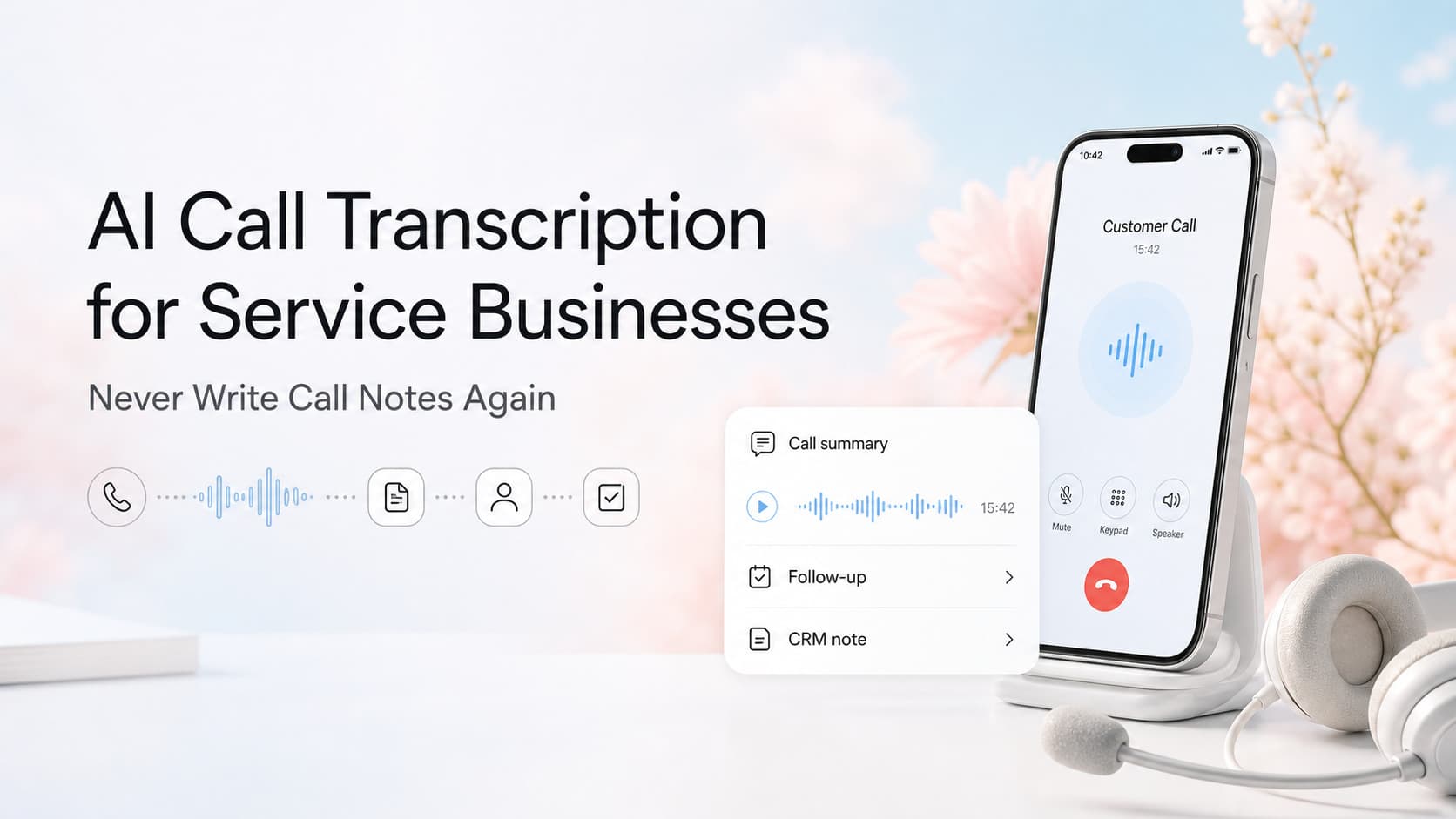
Quick answer: AI call transcription listens to every customer call, writes out the full transcript, and generates a structured summary with action items, key details, and customer sentiment. The summary then drops into your CRM as a note, triggers follow-up tasks, and flags urgent issues. A typical service business rep saves 2-4 hours per week on note-taking and never loses a customer detail again. Setup takes 1-2 days and pays back within the first month.
The Notes Problem Nobody Talks About
Every service business runs on phone calls. Discovery calls. Quote follow-ups. Customer complaints. Tech check-ins from the field. For most owners, the call itself takes 15-30 minutes. Writing it up afterward takes another 10-15. Then someone has to copy those notes into the CRM so the next person on the account has context.
Multiply that by 8-15 calls a day and you are looking at 80-180 minutes of note-taking every day per rep. That is time your team is not spending on quoting, selling, or solving problems.
There is a worse problem hiding under the time loss: the notes never actually happen. Reps skip them. They write "talked to Jim about AC, follow up next week" and move on. Six months later, when Jim calls back, nobody remembers the unit, the price point, or what he originally asked for.
AI call transcription removes both problems at once. The call gets recorded, transcribed, summarized, and routed to the right place in your systems. Your reps stop typing. Your CRM stays current. Your follow-ups get sharper.
What AI Call Transcription Actually Does
Modern call transcription platforms do far more than turn audio into text. They listen, understand, and act on what was said.
The Core Pipeline
- Capture: When a call connects through your phone system, softphone, or recorded line, the audio streams to a transcription service.
- Transcribe: Speech-to-text models convert the audio into a timestamped, speaker-tagged transcript.
- Summarize: A language model reads the transcript and writes a structured summary: call purpose, key facts, decisions, action items, sentiment.
- Route: The summary and transcript push into your CRM, help desk, project tool, or shared drive based on rules you set.
- Follow up: Action items become tasks. Urgent flags trigger alerts. Scheduled callbacks land in your rep's calendar.
What the Output Looks Like
A summary from a typical service business call:
Call with Maria Chen, July 28 Type: Existing customer, service follow-up Issue: Reported leaking around the water heater installed in March 2024. Possible loose fitting. Decisions: Dispatching tech between 1-3pm Tuesday. Customer prefers text confirmations. Action items: Schedule Tuesday visit, send text confirmation, order 3/4 inch compression fitting, follow up Thursday after visit. Sentiment: Polite, slightly frustrated, but cooperative. Duration: 6 minutes 22 seconds.
That summary lands in the contact record, the tech gets a work order, the office sees a Tuesday gap to schedule, and the customer gets a text. Nobody wrote a word.
Where This Fits in a Service Business
Call transcription is not a "nice to have" tool. It is infrastructure that touches every customer-facing function.
| Function | Without Transcription | With Transcription |
|---|---|---|
| Sales calls | Reps type notes, lose 25-30% of details | Full searchable history on every lead |
| Dispatch | Drivers get handwritten or verbal jobs | Techs receive structured work orders |
| Customer service | Managers ask "what did we tell them?" | Anyone reads the last call in 30 seconds |
| Quality assurance | Spot-check 1 in 20 calls | Score every call against a rubric |
| Compliance | Recordings sit on a hard drive | Summaries prove what was promised |
| Coaching | New reps shadow senior reps | New reps read the best calls as training |
For a 10-person service business running 50+ customer conversations a week, the compound effect is meaningful. You stop making the same mistakes twice, you onboard new hires faster, and your customer experience gets tighter even as call volume grows.
First-Hand Operating Insight
When we set this up for an HVAC client with a 12-person office and four technicians, the visible win was time savings. The reps reclaimed roughly 90 minutes a day between the front desk, the sales floor, and the service manager. That alone justified the cost.
The win we did not anticipate was accuracy. Three months in, the service manager pulled up a call from a customer who disputed a warranty claim. The transcript showed the original tech had clearly explained the warranty terms, the customer had agreed, and the work order reflected what was discussed. The claim was denied. Without the transcript, that conversation would have been a "he said, she said" that ended in a credit memo.
That kind of clarity does not show up in a feature list. It shows up the third time a customer tries to claim you said something you did not.
What to Look For in a Call Transcription Tool
The market is crowded. Use this shortlist when you evaluate options.
Must-have features:
- Speaker separation (who said what)
- Custom summary templates (you decide what fields matter)
- Direct CRM integration (HubSpot, Salesforce, ServiceTitan, Jobber, Housecall Pro)
- Searchable transcript archive with retention controls
- Action item extraction and task creation
- Multi-language support if your market requires it
Nice-to-have features:
- Sentiment scoring and trending
- Call scoring rubrics for QA
- Keyword alerts (mentions of competitor, cancellation, legal)
- Voice analytics (talk ratio, interruptions, silence)
- Mobile app for reviewing calls on the go
Red flags:
- "AI summary" that just returns the first 200 words of the transcript
- No CRM integration (you will copy-paste everything)
- Per-seat pricing that breaks as you scale
- Recordings that disappear after 30 days
- No way to edit or correct summaries when the model gets something wrong
Real-World Proof: A Field Service Example
A plumbing company with 18 trucks was losing two to three service callbacks per week because the original tech never wrote down what they told the customer. When the customer called back, the office gave conflicting answers and the customer felt gaslit.
After turning on call transcription with a custom summary template that required the tech to state the diagnosis, the parts needed, and the next step before ending the call, callback confusion dropped to near zero. The summary forced the tech to be explicit. The customer got a text confirmation of the plan. The office had a record.
The investment was a $40 per seat per month subscription and three hours of setup. The payback, by their estimate, was ten days.
Common Objections and Real Answers
"My reps will hate being recorded." Run the rollout as a coaching tool, not a surveillance tool. Use the transcripts to help reps win, not to catch them failing. The best reps love having a record of what they actually said when a customer tries to renegotiate.
"The AI will get details wrong." It will, sometimes. Build a 30-second review step into the rep's workflow right after the call. They glance at the summary, fix anything wrong, and submit. That habit takes less time than writing the note from scratch.
"What about privacy and compliance?" Two-factor: tell callers the call may be recorded (most states require this anyway), and pick a vendor that lets you set retention policies and delete on request. Keep transcripts in your existing CRM so you are not creating a new data silo.
"This is overkill for a small operation." If your team has more than four customer-facing people and you handle more than 30 calls a week, the math usually works. Below that, a simple note template may be enough.
How to Roll This Out Without Disrupting Your Week
You do not need a two-month implementation. Most teams are live in a week.
- Pick one call source first. Start with inbound sales calls or outbound quote follow-ups. Do not try to roll out everywhere at once.
- Choose a vendor that connects to your phone system. If you use RingCentral, Dialpad, Aircall, or similar, the integration is usually one click.
- Define your summary template. Decide what fields matter: customer name, issue, decision, next step, sentiment. Keep it to five to seven fields so reps actually read it.
- Connect the CRM. Map the summary fields to your contact record, deal record, or work order. Most tools handle this with no code.
- Run for two weeks, then review. Pull a sample of 20 summaries. Fix the prompt. Adjust the fields. Then expand to the next call source.
If you have a voice-over-IP system and a modern CRM, this is a one-week project, not a one-quarter project.
Fan-Out: Questions Service Owners Ask Next
- How accurate is AI call transcription on noisy phone lines? Modern models handle background noise well, but accuracy drops with heavy equipment, wind, or hold music. Pick a tool that lets you flag low-confidence segments.
- Can I use this with my existing service management software? Most transcription tools push to Salesforce, HubSpot, ServiceTitan, Jobber, Housecall Pro, and similar platforms through native integrations or Zapier.
- What happens to the recordings after the summary is generated? It depends on the vendor. Look for one that lets you set retention rules, encrypt at rest, and delete on customer request.
- How do I get my reps to actually read the summaries? Bake the review into the workflow. Make it a required step before the next call gets logged. Reps stop writing notes and start fixing AI mistakes in 30 seconds.
- Can I use this to coach new hires? Yes. Pull the best and worst calls of the week, walk through them in a 15-minute team huddle, and turn transcripts into training material.
- Will customers be okay with recording? Most callers have been recorded a hundred times by their bank and their insurance company. A short disclosure at the start of the call is usually enough.
What This Means For You
If your team handles more than 30 customer calls a week and you are still relying on handwritten notes, memory, and good vibes, you are losing time and accuracy every day. AI call transcription is one of the few automation tools that pays back in the first week and gets sharper every month.
The harder question is what to do with the data once you have it. Transcripts become training material. Summaries become coaching material. Patterns across calls become product or process changes. The tool is the starting point, not the finish line.
Ready to capture every detail on every call? Contact us to talk through which transcription setup fits your phone system and CRM. Or read our AI phone answering guide if you want to automate the calls themselves, not just the notes.
Related articles

AI Automation for Cleaning Companies: How to Win More Bids, Keep Crews Filled, and Stop Losing Recurring Contracts
Cleaning companies lose 30 to 50 percent of bids to slow follow-up and 15 to 25 percent of accounts to sloppy inspections. AI fixes both without adding staff.
Read the article: AI Automation for Cleaning Companies: How to Win More Bids, Keep Crews Filled, and Stop Losing Recurring Contracts
AI Office Manager Replacement for Service Businesses: When Automation Beats a $55K Hire
A full-time service business office manager costs $45K to $65K plus benefits. AI automation handles scheduling, dispatch, invoicing, and follow-up for under $400 a month. Here is when to hire and when to automate.
Read the article: AI Office Manager Replacement for Service Businesses: When Automation Beats a $55K Hire
AI Automation for Electrical Contractors: How to Capture Emergency Calls, Win More Bids, and Stop Losing Recurring Revenue
Electrical contractors lose 25-45% of emergency calls to slow response and 20-40% of bids to no follow-up. AI automation fixes both without adding headcount.
Read the article: AI Automation for Electrical Contractors: How to Capture Emergency Calls, Win More Bids, and Stop Losing Recurring Revenue
