Automated Email Marketing for Service Businesses: Turn One-Time Customers Into Repeat Revenue
Most service businesses treat email marketing like an afterthought. Automated email campaigns recover 20-40% of dormant customers and fill next-week slots without adding sales headcount.


Most service businesses send an invoice, collect the payment, and move on. The customer disappears until they call again. If they call again.
Automated email marketing breaks that cycle. It turns the silence between jobs into a system that keeps your business in front of customers, fills slow weeks, and brings back people who have not booked in months. Here is how it works and where to start.
The Quick Answer
Automated email marketing for service businesses is a set of pre-written email sequences that trigger based on customer behavior, job completion, or time gaps. Instead of manually sending follow-up emails, you set up the logic once and it runs indefinitely. The payoff is recovering 20-40% of dormant customers and turning one-time jobs into recurring revenue streams.
What Most Service Businesses Get Wrong About Email
The first mistake is treating email like broadcast media. You are not sending a newsletter. You are running a conversation with a specific customer at a specific moment in their relationship with your business.
The second mistake is relying on memory. When a technician finishes a job on Tuesday, nobody has a system to trigger a follow-up email two weeks later or a seasonal check-in six months later. That follow-up either does not happen or it depends on someone remembering to do it.
The third mistake is sending the same email to everyone. A customer who just had their HVAC system serviced in July does not need the same message as someone who has not booked in 14 months. Segment your lists and speak to where each customer is in the relationship.
The Three Email Sequences That Matter Most
1. Post-Service Follow-Up Sequence
This triggers immediately after a job is marked complete. It typically runs 3-5 emails over 2-3 weeks.
Email 1 (Day 0 or 1): Thank the customer, summarize what was done, include a photo or work summary if possible.
Email 2 (Day 3-5): Ask for a review. Timing matters here. Customers are most satisfied immediately after a job, and catching that window increases review response rates by 3x compared to waiting a week.
Email 3 (Day 10-14): Share a relevant tip or maintenance reminder connected to the work performed. If you serviced a water heater, share information about flushing it. If you repaired a HVAC system, share seasonal efficiency tips.
Email 4 (Day 21-30): Subtle re-engagement. Remind them you exist and are ready for the next job without being pushy.
2. Dormant Customer Reactivation Sequence
This triggers when a customer has not booked in 90 days or longer. This is where the highest ROI lives because these customers already know you and chose you once.
The sequence typically runs 4-6 emails over 60 days. The early emails provide value, reference the work you did before, and offer something useful. The later emails shift toward urgency with a limited-time offer or seasonal hook.
Example: A landscaping customer who did not book spring cleanup gets an email in April referencing their fall property closing work from the previous year, offering early-bird pricing on this year's program.
3. Seasonal and Interval-Based Campaigns
These trigger on calendar logic rather than customer behavior. They hit your entire list or a filtered segment based on time of year.
Seasonal warm-up (4-6 weeks before peak season): Get customers thinking about upcoming needs before they actively search for a provider.
Seasonal check-in (during your slow period): A simple "how are things? here is what we have been working on" message keeps you present without selling.
Interval reminders (based on job type): Pool service every 4 weeks, HVAC filter replacement every 3 months, chimney inspection before heating season. These work because they are genuinely useful, not because they are promotional.
Decision Table: Which Email Sequence Should You Start With?
| Sequence | Best For | Effort to Set Up | Time to First Results | Typical ROI |
|---|---|---|---|---|
| Post-service follow-up | Businesses with high job volume | Low | 2-4 weeks | 3-5x on list size |
| Dormant reactivation | Businesses with large historical customer list | Medium | 4-8 weeks | 5-10x on emails sent |
| Seasonal campaigns | Any business with seasonal demand | Low-Medium | 1-3 weeks | 2-4x on list size |
Start with post-service follow-up if you are doing 10+ jobs per week. The volume makes the ROI fast. Start with dormant reactivation if you have a large customer list and no current email strategy. The dormant list is the low-hanging fruit.
Proof This Works
A Southeast HVAC company we work with had roughly 1,200 customers in their CRM. About 600 of them had not booked in over a year. They set up a dormant reactivation sequence targeting that 600-person list with a spring AC check-up offer. In 8 weeks, 94 jobs came back from that single campaign. At an average ticket of $185, that is $17,390 in recovered revenue from an email sequence that runs on autopilot.
A pool service company in Florida ran a post-service follow-up sequence tied to their routing software. Jobs automatically triggered a 3-email sequence. Over 6 months, review submissions increased 3.4x and their Google star rating climbed from 4.1 to 4.7. The higher ratings brought in 2-3 new organic inquiries per month.
AnovaGrowth Operating Insight
We run email automation for our own business, and the pattern that surprises most owners is this: the emails that provide the most value drive the most revenue. The hard sell emails get ignored. The "here is what you should know about X before your next appointment" emails get read, get forwarded, and get booked.
When we moved AnovaGrowth's newsletter from promotional content to genuinely useful operational insights, open rates went from 18% to 41%. Click rates went from 2.1% to 8.7%. Unsubscribe rates dropped. The emails people actually wanted to read performed far better than the emails we thought they should read.
The implication for your service business: lead with education, close with an offer at the end of the sequence. Do not open with the sale.
Key Components of a Working Email System
- CRM integration: Emails should trigger from job data, not from a separate email platform you have to update manually. When a job is marked complete in your field software, it should automatically add the customer to the post-service sequence.
- Contact list hygiene: Remove bounced and unsubscribed addresses within 48 hours. Bad addresses hurt deliverability for your entire list.
- Mobile-first design: 65-75% of service business email opens happen on a phone. Your emails must be readable in 3 seconds without scrolling.
- One clear CTA per email: Do not ask a customer to book, leave a review, and download a guide in the same email. Pick one action.
- Subject line testing: Try two subject lines on a small segment before sending to the full list. Service businesses see 15-30% lift from simple A/B testing on subject lines.
Related Fan-Out Questions
How often should a service business send marketing emails? Once a month minimum for maintenance, once a week maximum during a reactivation campaign. More than that risks unsubscribes.
What should a service business email newsletter include? Job summaries, maintenance tips, industry news relevant to the customer's equipment or property, and one soft offer. No more.
How do you collect email addresses without being pushy? Offer something of value at the point of service: a seasonal maintenance checklist, a discount on their next booking, early access to scheduling. Make the exchange feel fair.
Should service businesses use email marketing platforms like Mailchimp or Constant Contact? Yes, for most small-to-midsize service businesses. They integrate with CRMs, handle unsubscribes automatically, and provide deliverability reporting. Avoid building custom email systems unless you have dedicated IT resources to manage them.
How do you measure email marketing ROI for a service business? Track revenue attributed to email campaigns through unique promo codes or booking source tracking. Calculate cost per acquired customer from email versus cost per lead from other channels.
Can email automation replace a sales team for a service business? No, but it can reduce the amount of time your team spends on follow-up by 60-80%. For small businesses without a dedicated salesperson, email automation handles the consistent follow-up that typically falls through the cracks.
Ready to build your email system? Contact us to discuss how we can connect your CRM, set up the right sequences, and get dormant customers back on your calendar.
Related articles

Service Business Former Customer Reactivation: Win Back Lost Revenue Without Spending on New Leads
Former customers convert 3-5x faster than new leads and cost nothing to reach. Here is how service businesses reactivating lapsed clients can reclaim 15-30% of lost annual revenue.
Read the article: Service Business Former Customer Reactivation: Win Back Lost Revenue Without Spending on New Leads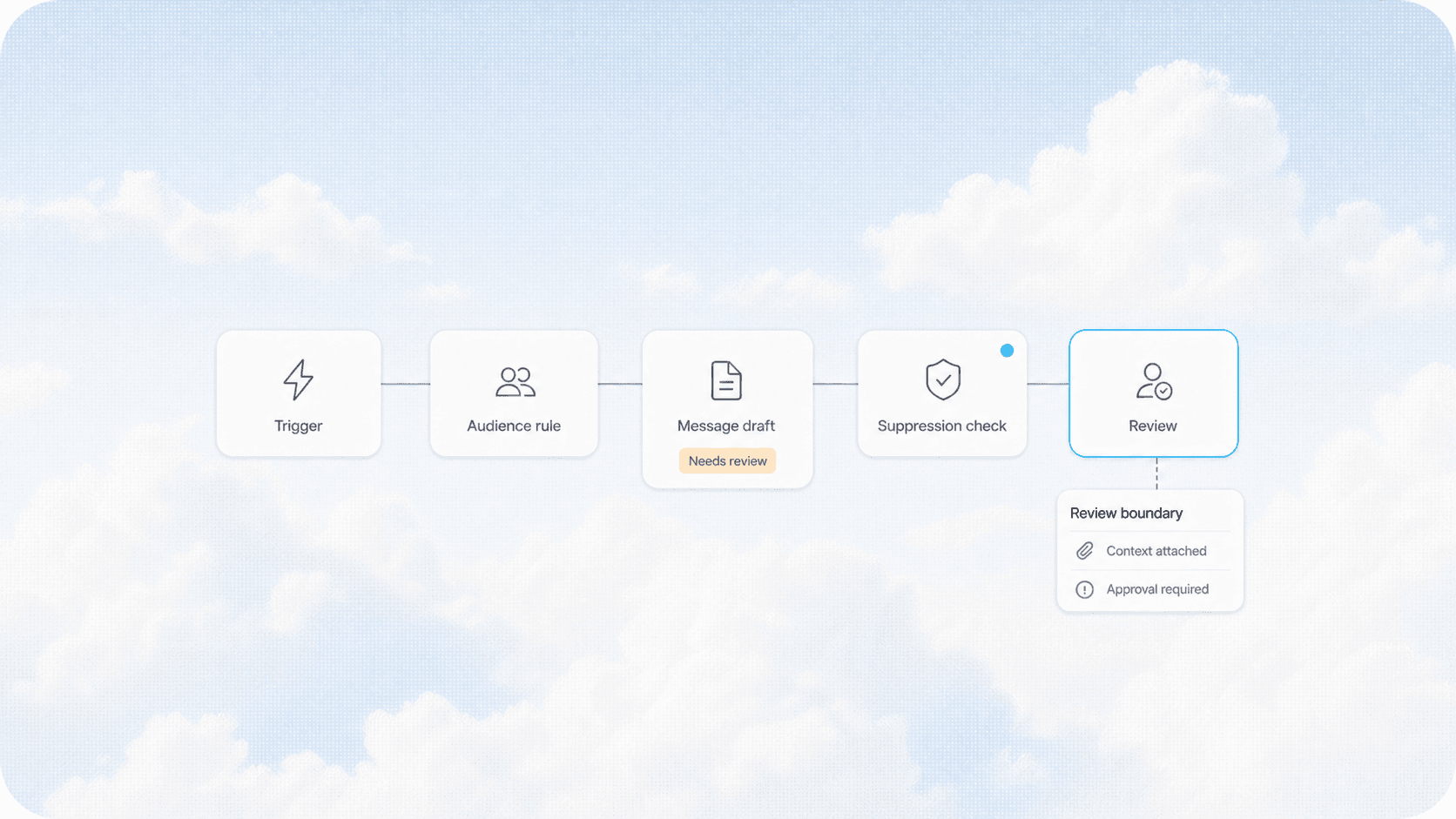
Email Marketing Automation for Service Businesses: Turn One-Time Customers Into Repeat Revenue
Service businesses leave 30-50% of revenue on the table by not following up. Email automation turns one-time customers into repeat buyers.
Read the article: Email Marketing Automation for Service Businesses: Turn One-Time Customers Into Repeat Revenue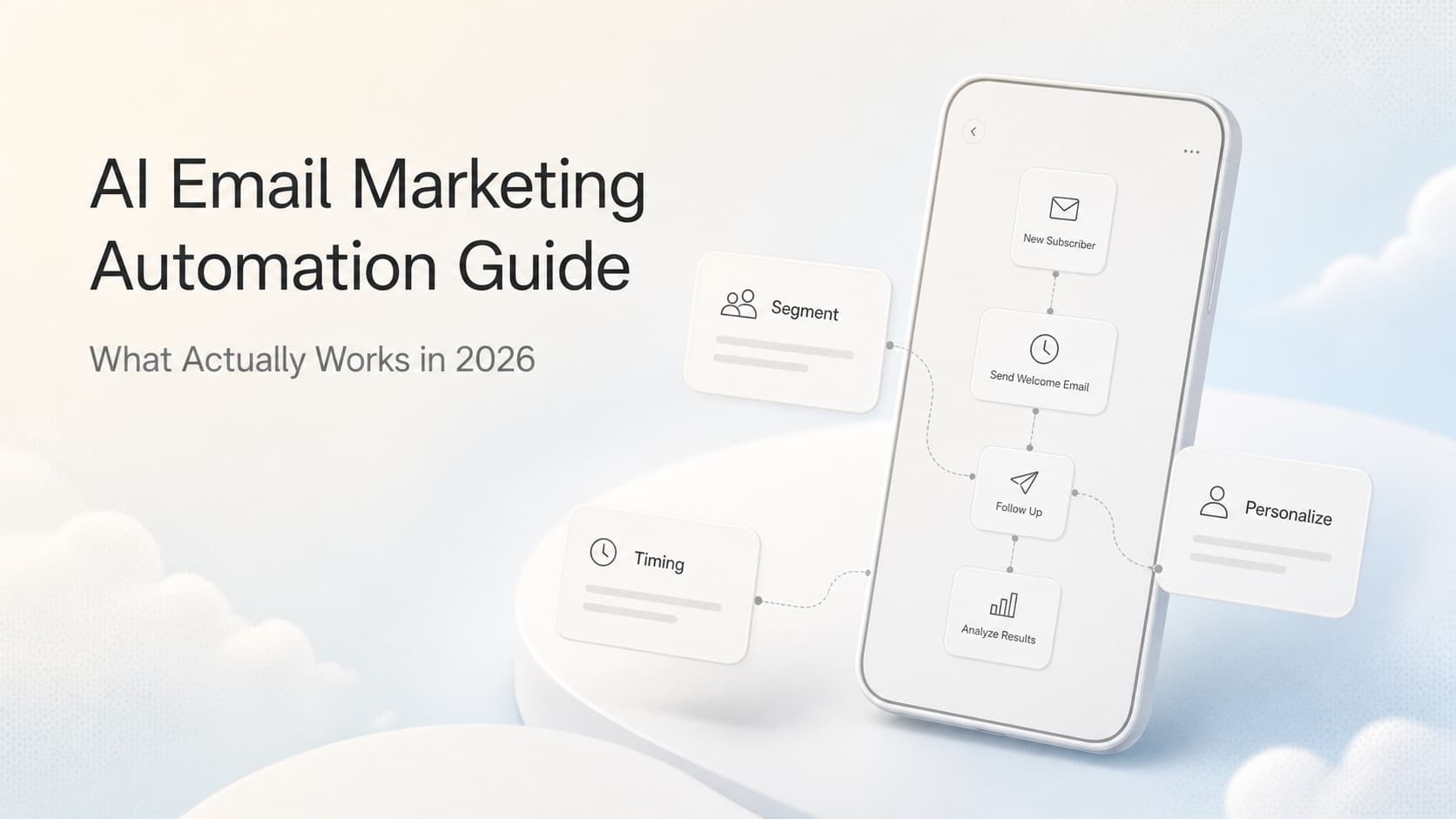
AI Email Marketing Automation: What Actually Works in 2026
Learn how AI transforms email marketing from blast campaigns to personalized journeys that convert. Practical strategies for segmentation, timing, and content.
Read the article: AI Email Marketing Automation: What Actually Works in 2026
