AI-Native CRM for Business Owners: What Changes in Practice
A practical guide to AI-native CRM, from lead scoring and follow-up to integrations, adoption, and a first measured pilot.

Introduction
The reported $1.2 billion valuation of sales automation startup Rox AI is one signal of investor interest in AI-native sales tools. A funding headline does not establish that a particular CRM will fit your business. The useful question is which parts of your sales process a tool can support, and how you will measure the result.
What is AI-Native CRM?
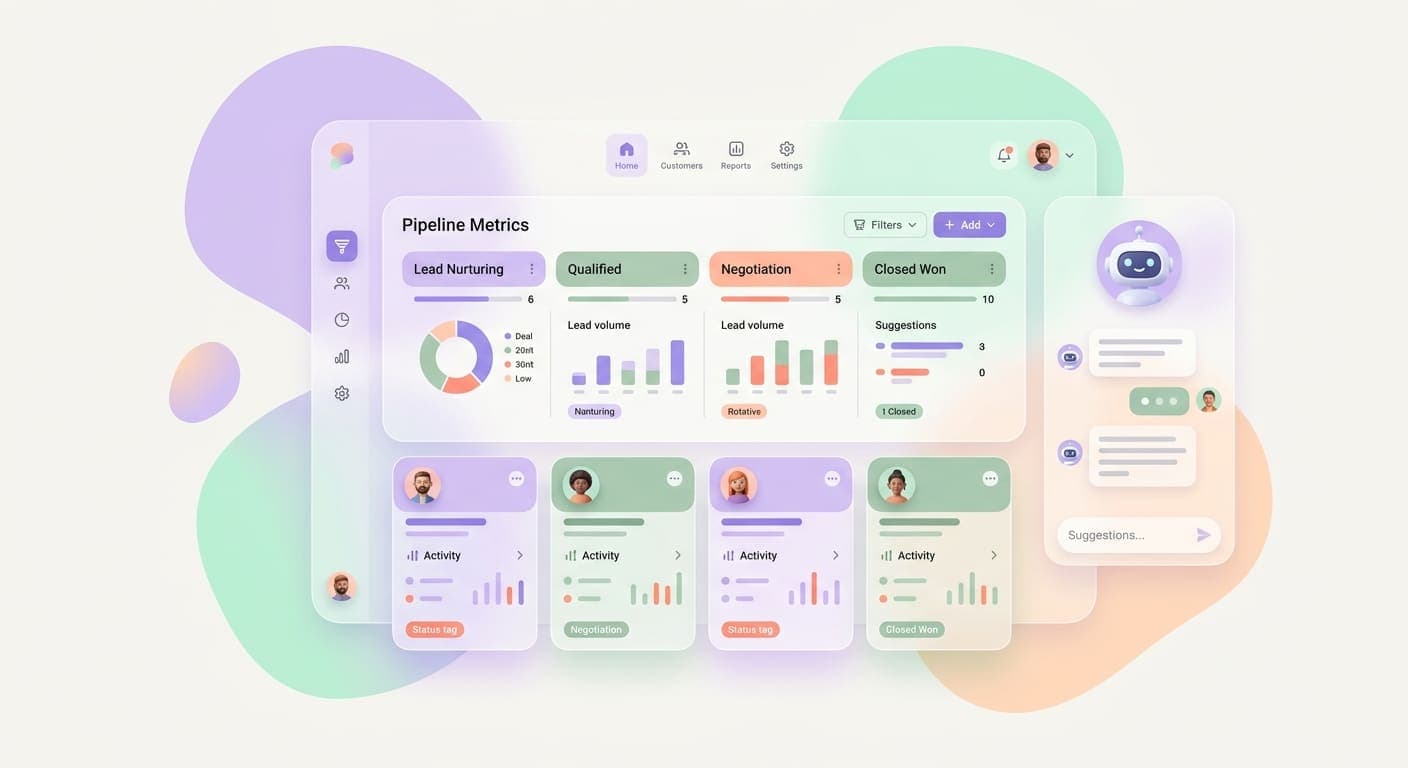
AI-native CRM is a broad category for customer relationship management products built around AI features, rather than products that add them later. The label is not a guarantee of specific features: vendors differ in what they automate, what data they use, and how much review they require.
Commonly advertised features include data entry assistance, lead scoring, communication suggestions, and summaries. Check which are available in the product tier you are evaluating, whether a person reviews generated changes, and how the system handles errors or missing data.
Benefits for Business Owners
AI-supported CRM features may help with routine sales tasks, depending on the data quality and workflow:
- Task assistance: Some products can draft notes or follow-up messages for a person to review.
- Prioritization: Scoring features can help organize a queue, but depend on relevant, representative data.
- Context summaries: A CRM may gather recorded interactions in one place; confirm it respects permissions and source records.
- Workflow support: Automation can reduce manual steps, while still requiring monitoring and a clear owner.
Treat these as hypotheses for a pilot, not promised savings or revenue gains. Compare the workflow before and after, including review time, error rates, and the effect on customer communication.
Evaluate a CRM Before You Switch
Use a short checklist to compare products against your existing process:
- Integrations: Confirm the specific email, calendar, and marketing tools you use are supported, and check what data syncs in each direction.
- Adoption: Ask the team to try the real workflow and note the training and review it requires.
- Data and access: Review permissions, retention, export, security documentation, and how customer data is used by AI features.
- Scale and cost: Check limits, usage-based charges, and what happens when you add users or records.
- Evidence: Agree on a small pilot and baseline. Track completion time and error rates before attributing a change to the tool.
How to Get Started
Start with a contained workflow and keep a human review step until the tool's behavior is understood:
- Assess Your Current Stack: Evaluate your existing CRM and sales processes to identify pain points where automation could help.
- Compare Requirements: Check integrations, data handling, pricing, and vendor support against your current stack.
- Pilot One Task: Test a bounded workflow, such as preparing a follow-up draft or categorizing inbound leads.
- Train and Review: Show the team how to check AI output and correct the underlying records.
- Measure Before Expanding: Compare the pilot with a baseline and stop or revise it if quality, time, or customer experience gets worse.
Conclusion
The Rox AI funding report illustrates interest in AI-native CRM, but it does not predict the outcome of an implementation. Compare concrete workflows, data practices, and total cost, then use a measured pilot to decide whether a product belongs in your sales process.
Sources
Ready to automate your business? Book a free discovery call to see what's possible.
Related articles
Rome, GA's Only Local AI Startup: What We Build and Who It Helps
Rome's only local AI startup explains what business AI, AI agents, and customer messaging automation actually do for local companies.
Read the article: Rome, GA's Only Local AI Startup: What We Build and Who It Helps
AI Agent Use Cases for Small Business Operations: What Actually Works in 2026
Most small business owners hear AI agents described as a concept and never see a real example. Here are six use cases that actually run in operations today.
Read the article: AI Agent Use Cases for Small Business Operations: What Actually Works in 2026
AI for Recurring Service Billing and Subscription Management: Get Paid On Time, Every Time
Service businesses lose 15-30% of recurring revenue to billing gaps, late invoices, and manual chase sequences. AI billing automation closes that loop.
Read the article: AI for Recurring Service Billing and Subscription Management: Get Paid On Time, Every Time
